Setup HERDEmobil Android
This post is also available on:

Requirements
- Windows 10 or higher
- Android cell phone or tablet from version 6
- confirmed Google account to download the app
- HERDEplus version with the version status (from 29.09.20 or later)
- Activation of the license for HERDEmobil (Android)
- set up HERDEcloud
- set up online client (
 Organization Settings Service >
  > Online > Clients)
For a non-binding test of the app, follow the instructions here and use the access data provided
Order
To order the license and set up a HERDEcloud customer account, follow the instructions on this page.
The specialist retailer will inform you about the associated costs and the amount of the service amount incurred. The license is made available online, i.e. only if the customer no and productkey (license info) have been entered in HERDEplus, the function “Data provision Android” in the menu “ Organizations >  Mobile capture” appear
The e-mail must have the following content:
- E-mail address for the main user | the customer manages the account (HERDEcloud), he can be a user of the app himself
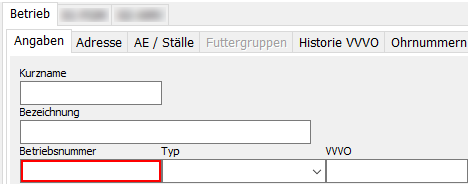
- Farm number | can be found under > Organization Settings > Farm > Information. For milk producers, it is usually the farm number; Beef cattle or fattening farms use the registration number
Attention: The farm number is unambiguous, no “imaginary” numbers such as “1” or “11111111” etc. may be used. Contact the specialist dealer if you have several locations with the same company number. An additional license plate can be stored in the online client for this purpose.
- if necessary, additional e-mail addresses for other users (usually family member, employee, apprentice) under indication whether this
- Own user | Collect data and transmit it to HERDEplus
- Foreign user | only Read
HERDEcloud Account
- You will automatically receive an email to each specified e-mail address with a link withit that is valid for 1440 minutes (24 hours). If necessary, check the junk or spam mail folder.
- Click on the link in the email.

Reset your password if the email does not appear in your Inbox within 10 minutes. Click here
Enter the e-mail address whose password you want to reset. The link has a maximum validity of 2 hours. After clicking on the link in the e-mail you will be directed to the page where you have to enter a new password and the confirmation.
- Click on“Sign in”
- Click on “Forgot password”.
- Click on “Click here to continue”.

Assign a password that is only accessible to the user. Write down the password, the online client in HERDEplus also needs to log in to the app.
The password must be at least 12 characters long. Use only letters and numbers.
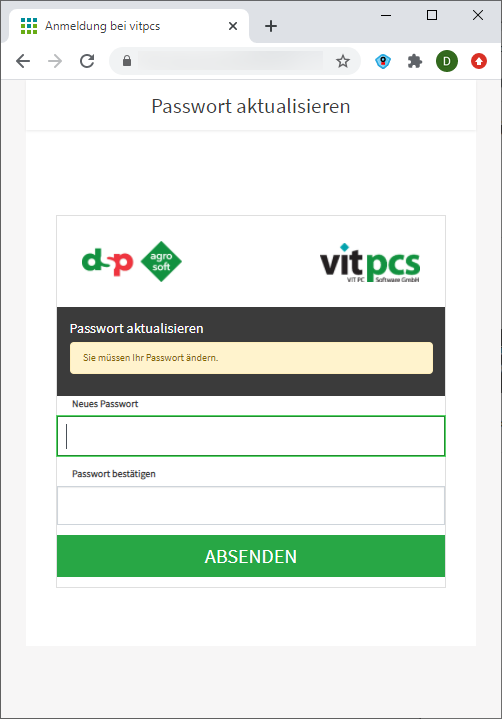

If successful, the message appears and the window can be closed.
Find an app in the GooglePlay Store
- Search the Google Play Store for HERDEmobile or herdmobile or follow the link.

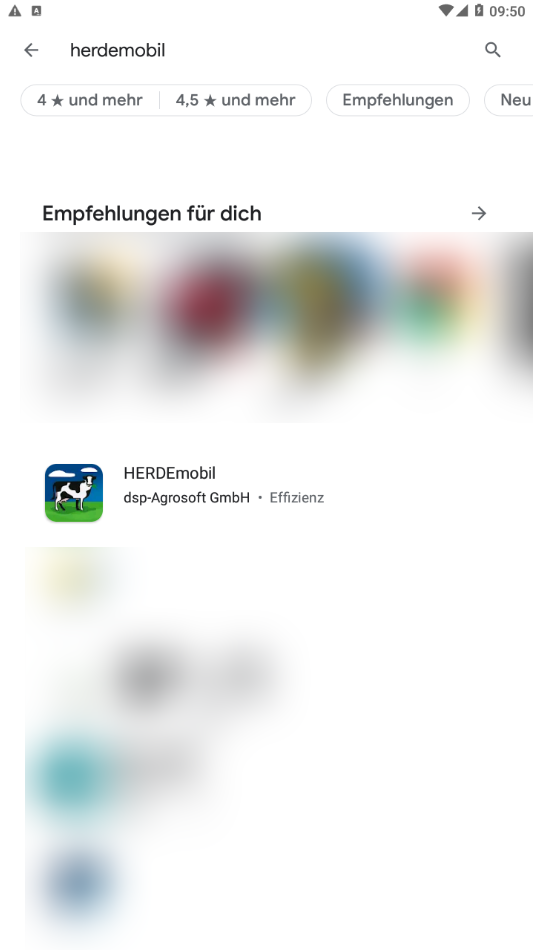
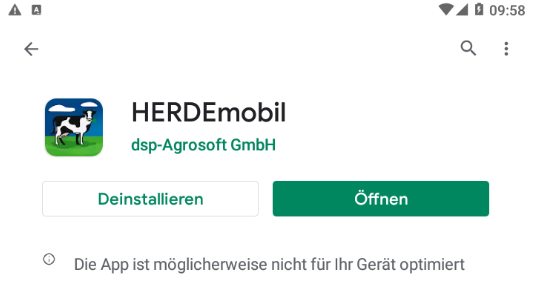
- Click “Install”.

- Then open the app.
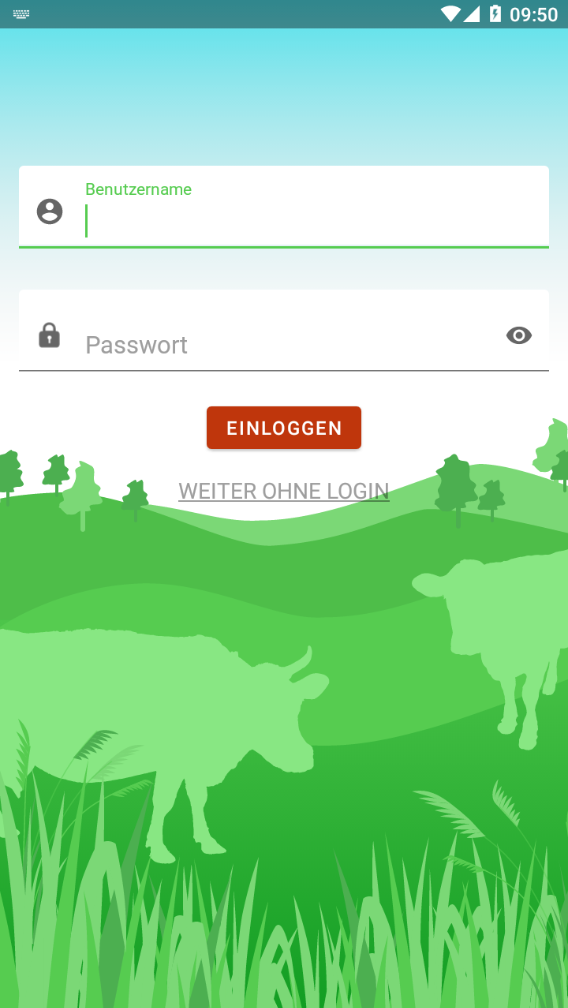
- Enter the e-mail address in the Username field, enter the corresponding password in the Password field.
Use for demo data:
- Username: android@herdeplus.de
- Password: dsp-herdeplus
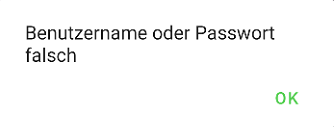
If the following error occurs, try again.
Avoid automatically applying from the settings and type in the email manually.
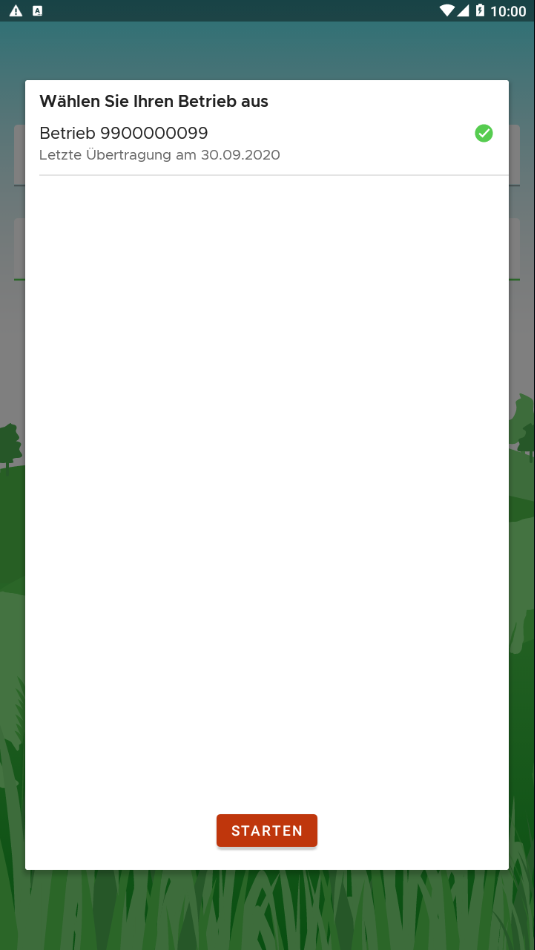
If there is no operation in the company selection, start the output to HERDEmobil via Organization > Mobile capture >  Android >
  to HERDEmobil
Once the data from HERDEplus has been provided, access to the company selection is possible
- Select operation by tapping.
- Click Start, the process is now complete