Purchased animals
This post is also available on:

Note: The automatic transfer of data via the inbox only works if the online client is set up.
- Connect the data carrier (with transfer file) to the PC
- The transfer file appears in the Inbox
- Select the file
TierTransfer.herde_trand click

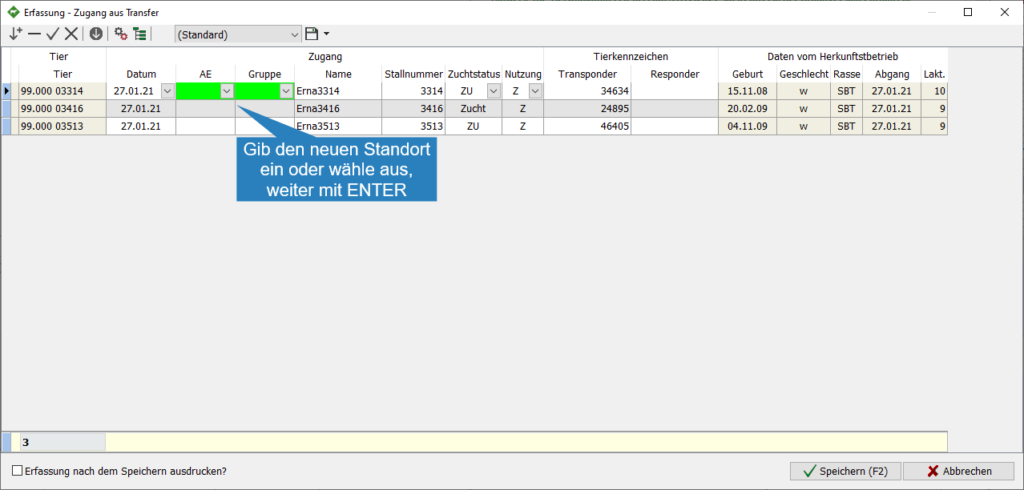
- Enter the new location (BU/Group) and continue with

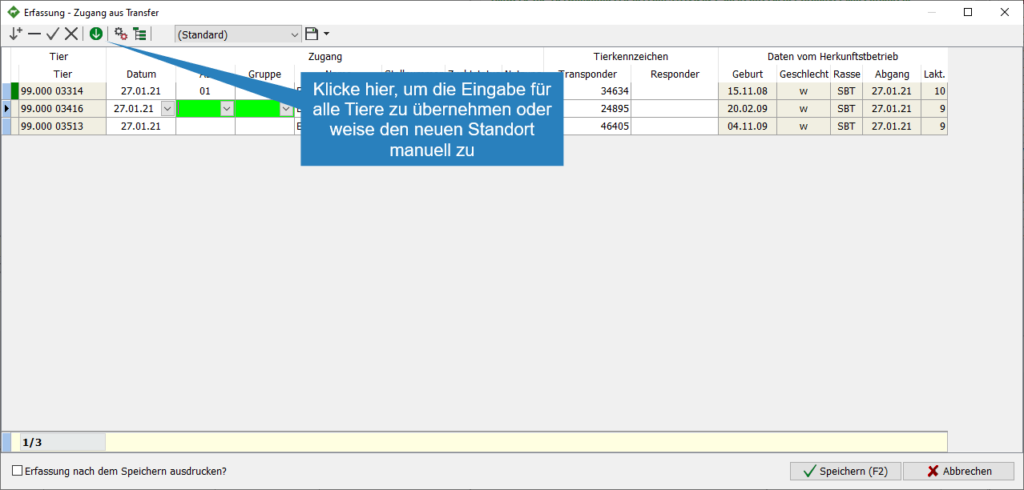
- To apply the input for all animals, click
 or refer to each animal individually for each new location
- To apply the data, click Save

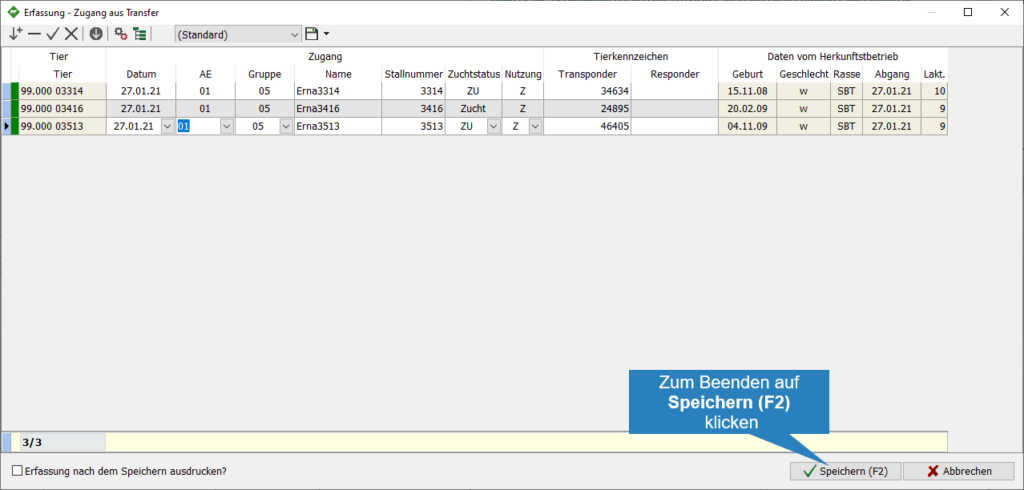
- The animal data has been transferred to the database
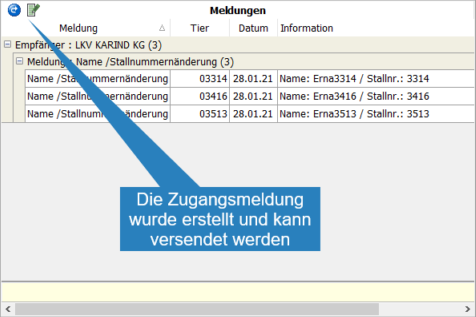
- The animal access messages appear on the home page in the Messages widget and are ready for transmission