
Outbox
This post is also available on:

Under the menu item  organization>
  export>
  outbox, all necessary functions are available to repeat and correct messages.
On the homepage widget of the same name, there are only the following functions, the display of the sent and provided messages,as well as the possibility to send provided messages.
In the outbox there are 2 tabs
Ready: Here are records that have not yet been sent
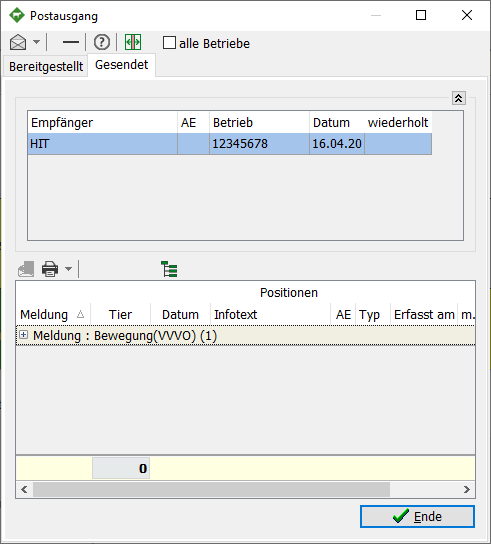
Sent: Here are all sent records


Toolbar
 | Sending to recipients (Full, all records of the message)
 | Delete a message (only for provided )
 | Display protocol (if there is feedback from the online client)
 | Change the layout, between one another and next to each other
all farms | Display of sent and provided messages about all farms in the current database
 | Repeat the sending of a message (single record)
 | Printing the protocol
 | Set display
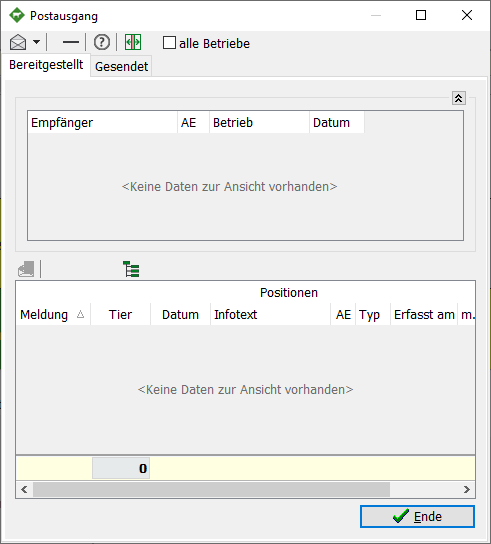
Ready:
This is the normal state.
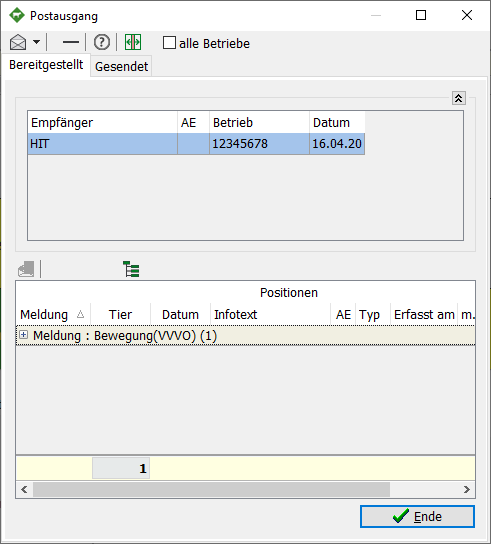
Ready:
There is a message about a recipient in the outbox. This message has yet to be sent.
In the event that you want to send the message, follow the steps in Send provided messages
In the event that you want to delete the message completely, follow the steps in Delete posted messages