
Claw
This post is also available on:

This program function allows the data provision for the application Clawto carry out the detection of claw care (claw cut) and (claw) diagnostics directly on a touch-capable outdoor PC at the claw stand.
- Open Menu
 organization >
  export >
  Claw
Claw
- Decide whether you want to output it on the USB flash drive via the file name or alternatively save it via the online client.
- Send active via online client | it is selected at the end of the procedure, requires a predetermined online f.e. client
USB-Stick E: - Send inactive via online client | it is in the field file name to select the location directly
- Leave ADIS/ADED special format (without ?) inactive for claw output
- Send active via online client | it is selected at the end of the procedure, requires a predetermined online f.e. client
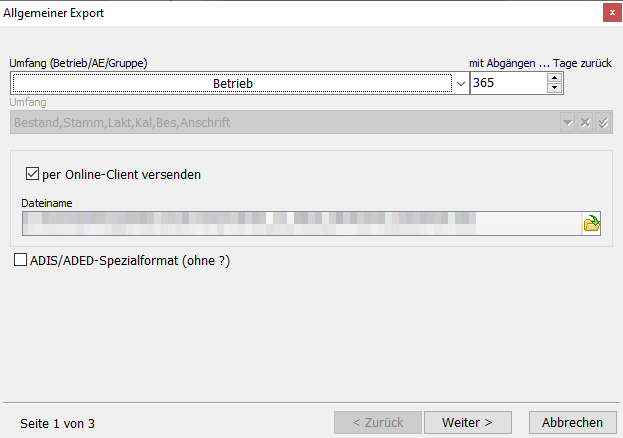
- Click Next to start the output
- Only when exporting via online client, select corresponding of the options in the drop-down field online client z.B.
Klaue auf E:from
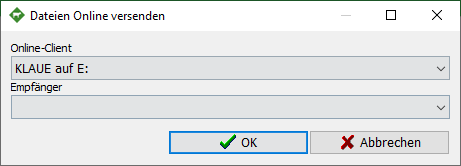
- Complete the dialog by clicking Exit
