
Create data backup
This post is also available on:

Creating a data backup
Open the dialog via  organization >
  Backup >
  backup
Directory Data Backup | freely selectable with click on the Explorer icon
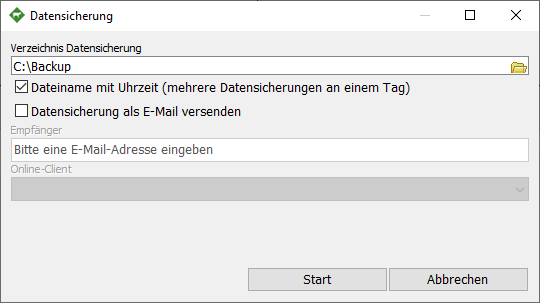
File name with time (multiple backups in one day) | the data backups are hereby stamped with a time stamp
Send data backup as e-mail | Recipient is activated when the option is activated, requires the establishment of an online client e-mail