
B Delete posted messages
This post is also available on:

Deleting provided messages is necessary, if only in exceptional cases. If the messages are deleted, they cannot be recovered.
- open
 organization >
  export >
  messages >
  outbox
- provided in the tab, click on the message to be deleted

- Click
 to delete the selected message
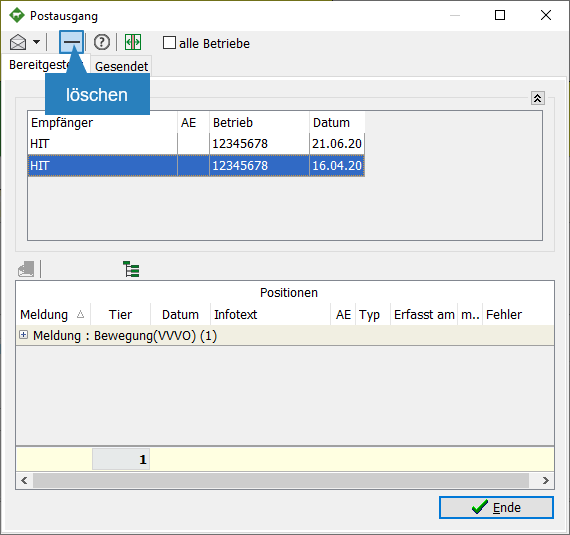
- Confirm deletion, it is not reversible

- Provided in the tab, the selected message is no longer listed

- Click
 End
End