HI-Tier
This post is also available on:

This program function allows to expand the animal population, but is only necessary if animals have already been manually added to the herd via the HI-Tier website. This avoids incorrect or double entries.
- Open
 Organisation >
  Import >
  HIT ,
HIT ,- by default, the HIT inventory register extract is selected
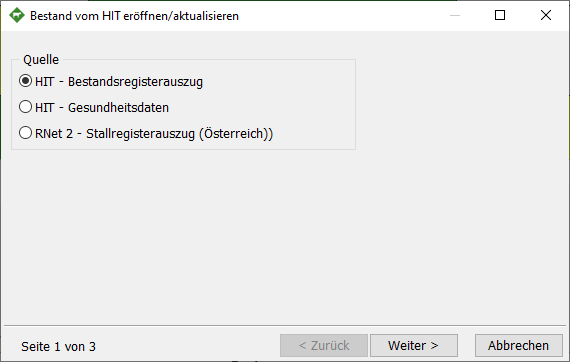
- The query as to whether another part of the holding should actually be created takes place if animals are already present in the herd. the following dialog appears
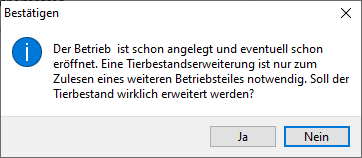
The farm has already been established and may already be opened. An animal population expansion is only necessary for reading another part of the farm. Should the animal population really be expanded?
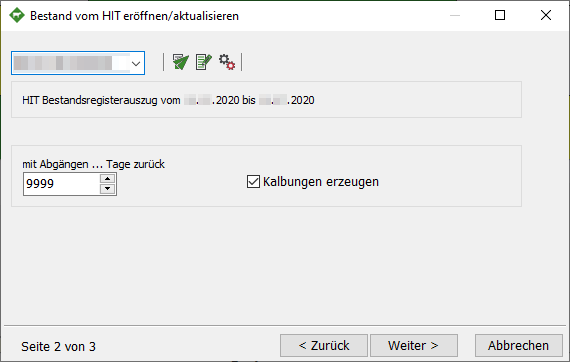
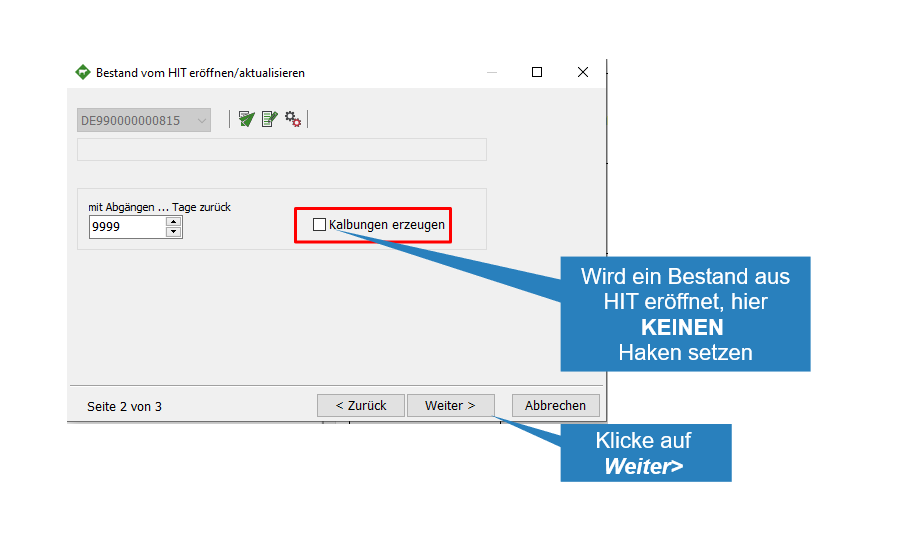
- In the drop-down field, select the register number whose inventory register you want to retrieve.
- Set the number of departures to 9999 in order to take over all departures of recent years or to add the departures.
- To take over animals from the HIT, it is also possible to produce the calving. For this, however, at least the period of one year must be taken over.
Note: Since stillbirths do not have to be reported to the HI-Tier, no new lactation is created by setting one  in these animals.
To avoid this, remove when creating calving
 | Check HIT, dialog for period and password
 | Manually select the existing inventory register file
 | Open setting
- The call HIT Queries opens the following dialog box, the VVVO number is predefined, enter the correct HIT password (PIN) and select a sufficiently large period of time to retrieve the data.
Click Next> to start the query
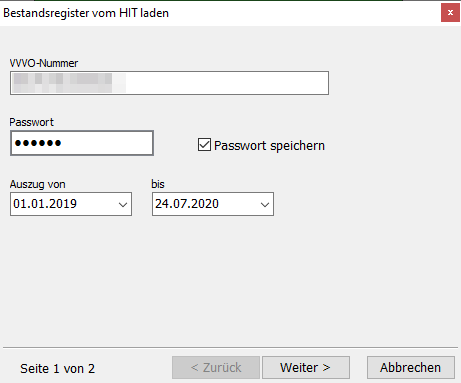
- HERDEplus now performs the data import
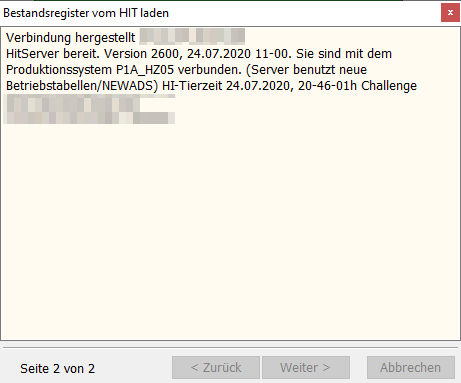
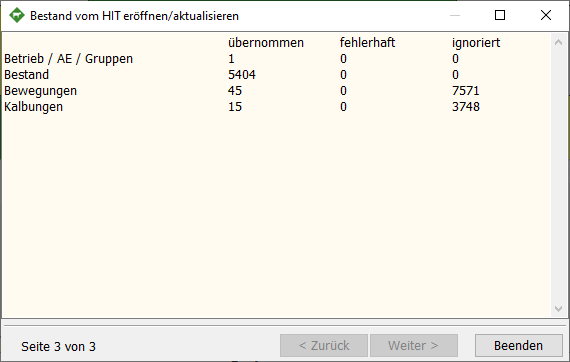
- At the end of the import, HERDEplus displays a log of the transferred data.
- Click Finish to close the dialog