2 Repeat individual records
This post is also available on:


- If individual messages need to be created with new settings for an important reason, open the
 organization >
  export >
  outbox menu item
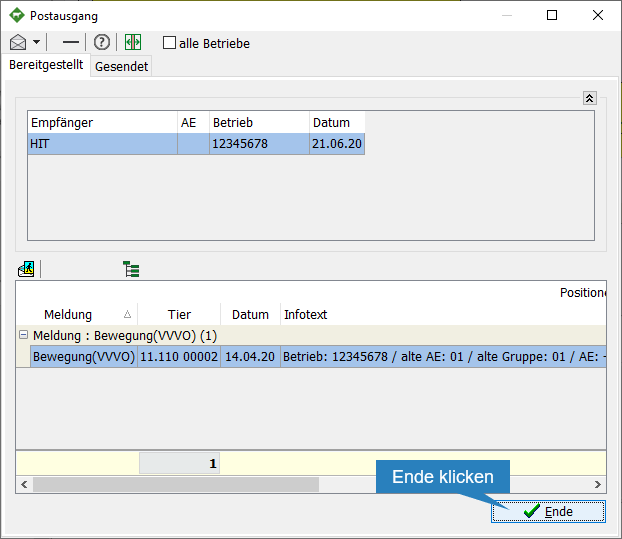
- Click on the
 to watch the details of the message
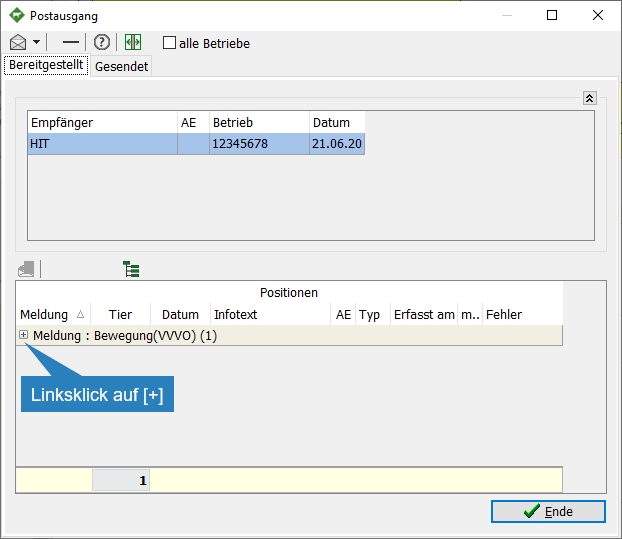
- Click on the new message to be created
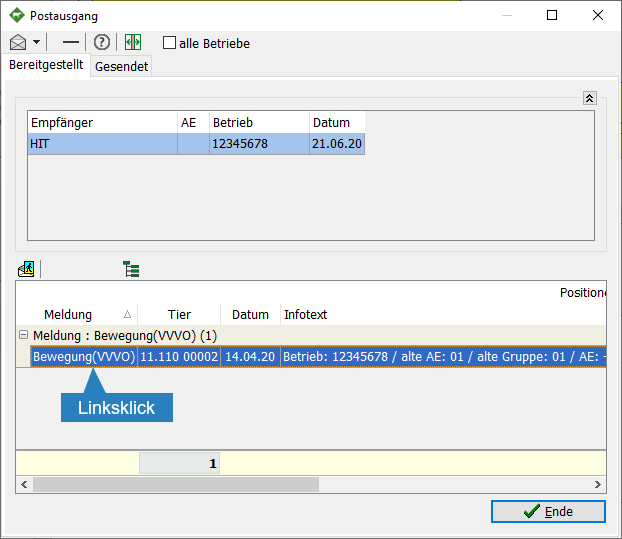
- Click
 to have the message created

- Confirm repeating the message
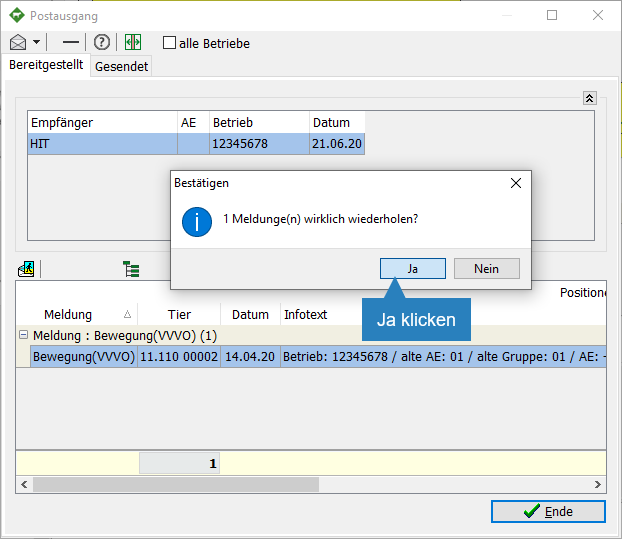
- Click
 End
End