
Prepare
This post is also available on:

- Open
 capture animal >
  MREc >
  prepare
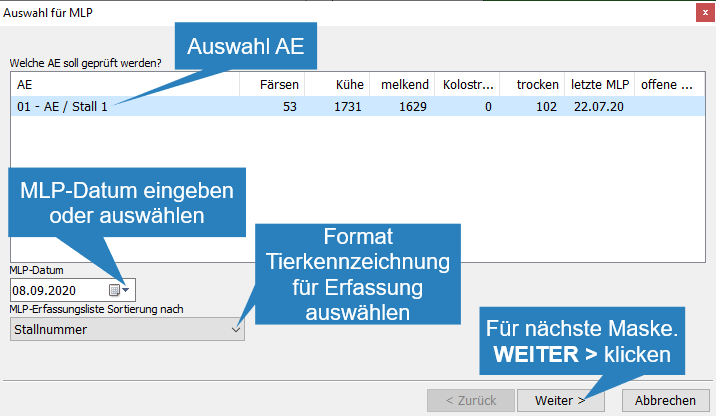
- Selecting the BU by marking
- Enter or select the date of milk control
- Selecting the sorting for the journal lists
- Click Next > to continue
Important: The sorting criterion is no longer changeable for a started MRec.
- In the case of alternating MRec, determine the time of sampling and define the milking times
Click Next>

- Set the milking order. To do this, click on the group, and by clicking on
 the group, the group is pushed down by 1 position.
 - when finished click Next >

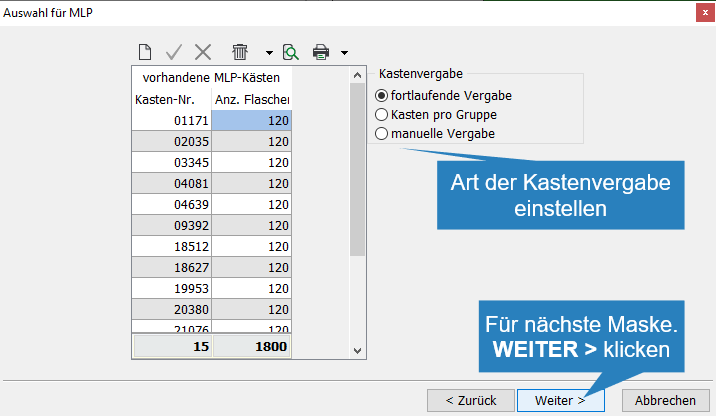
- Select the type of box allocation and enter the box numbers with the corresponding number of bottles
- Click on Next >when done
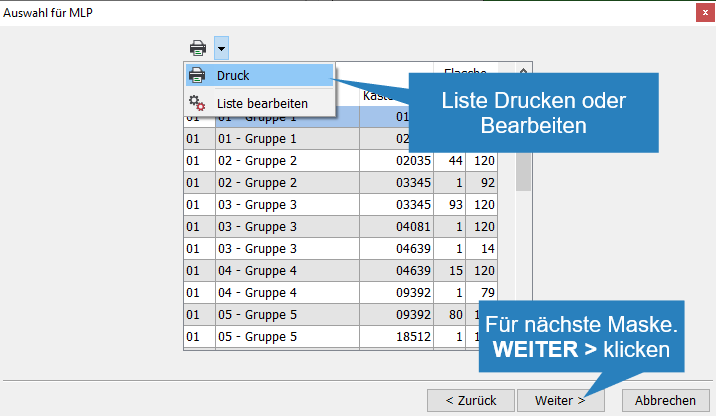
- In the window that appears on it, you can see the allocation. Print
 can print the list of groups
 - With
 Edit List, the expression can be set
 - When done, click Next>
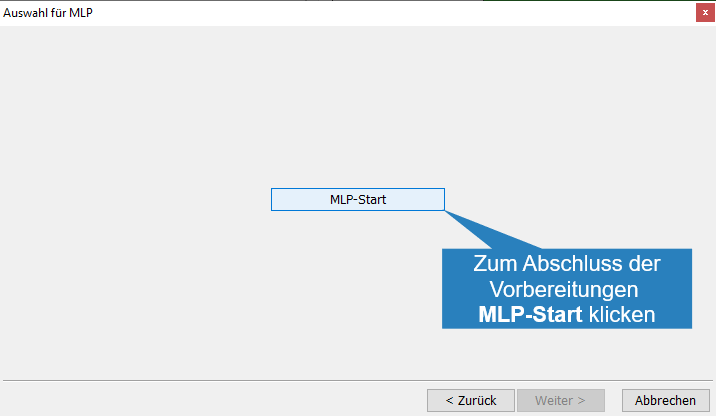
- Click MRec Startto start milk control.
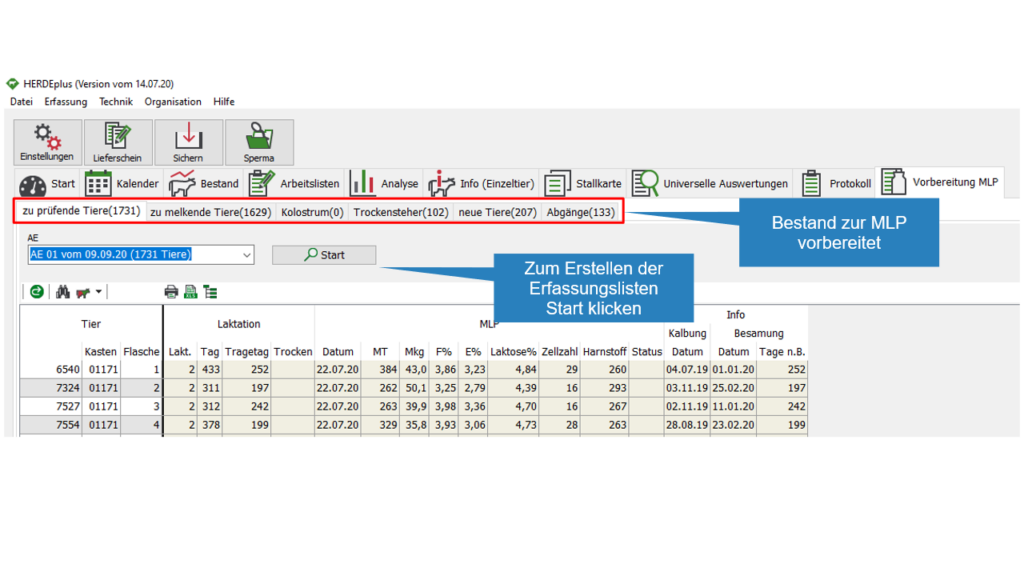
With the MRec started, a new tab prepare Mrec appears
 | Creates a new line for entering a box number
 | adopt new box number
 | resets the input
 | deletes the created record, all numbers can be completely deleted via the drop-down list
 | opens a window for automatic creation of box numbers
| prints the created list with box numbers, the drop-down list can be used to edit the print list