
Purchase
This post is also available on:

- Open
 Capture animal >
  Movement >
  Purchase
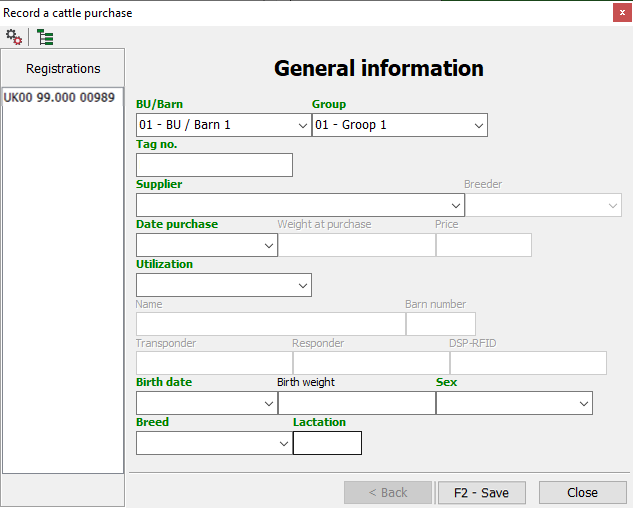
 - Filling in the mandatory fields (green designation)
- After selection/enter, jump to the next field with

- Location/permanent establishment (BU) select
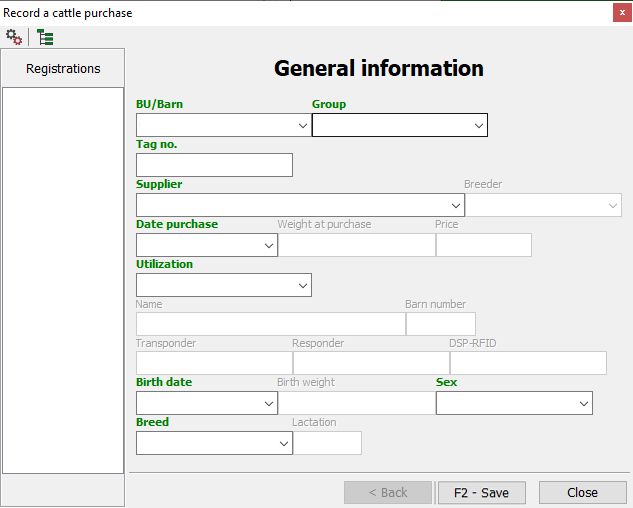
- Select a new location (group)
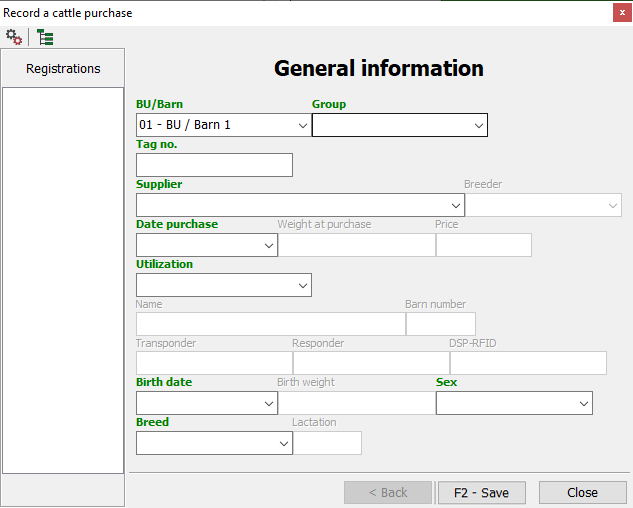
- Enter 10-digit live ear mark
- complete live ear mark (for animals from abroad)
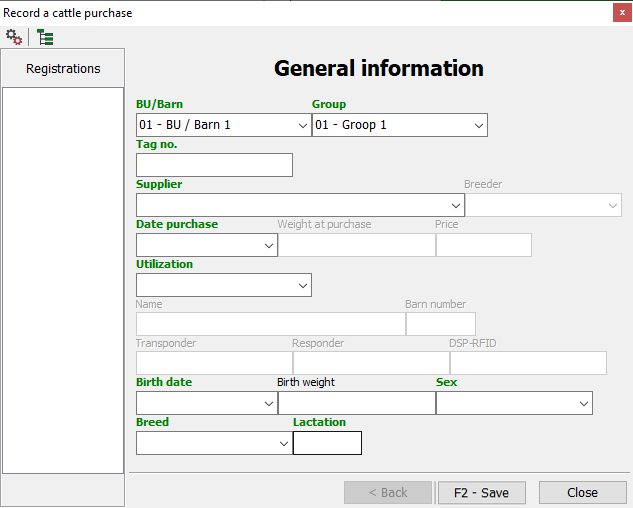
- Select origin
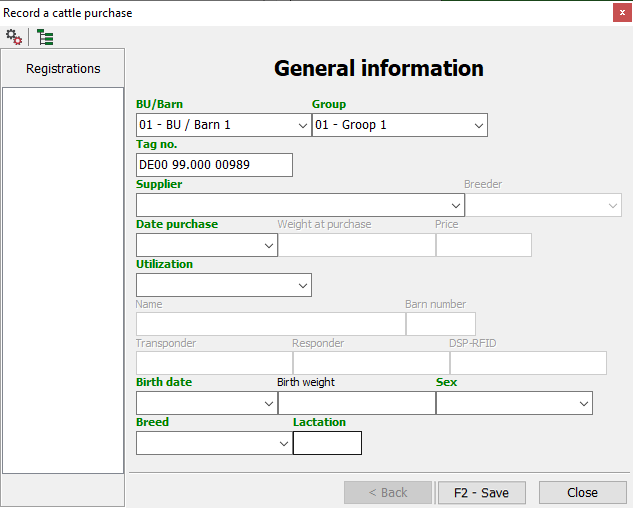
- Enter or select the date of receipt
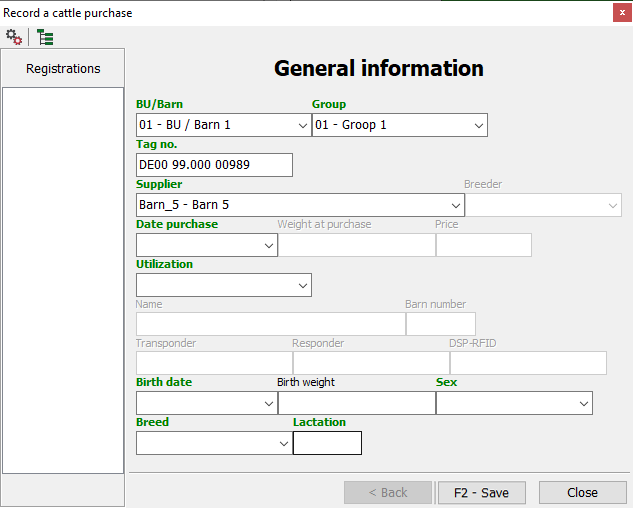
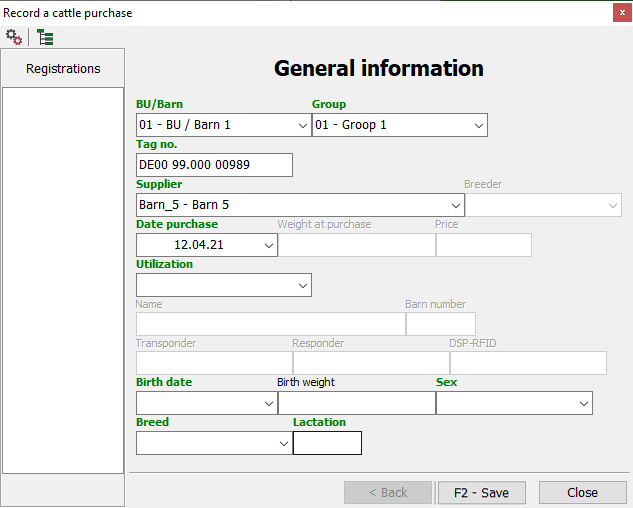
- Select type of use
- Breeding or fattening
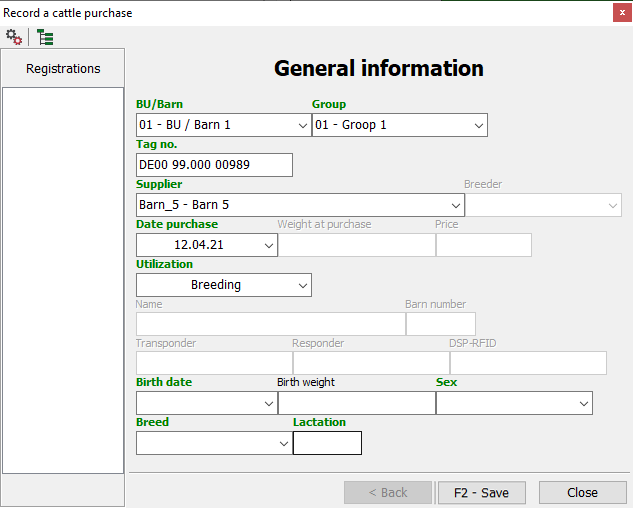
- Enter or select date of birth
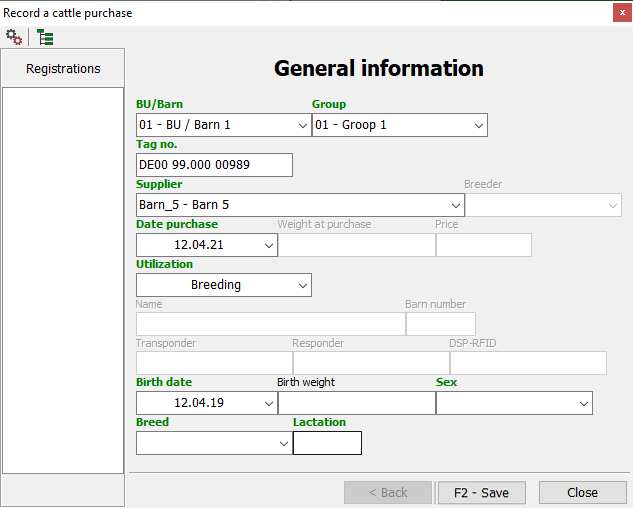
- Select gender
- Enter breed (f.e. “01 SBT”) or select
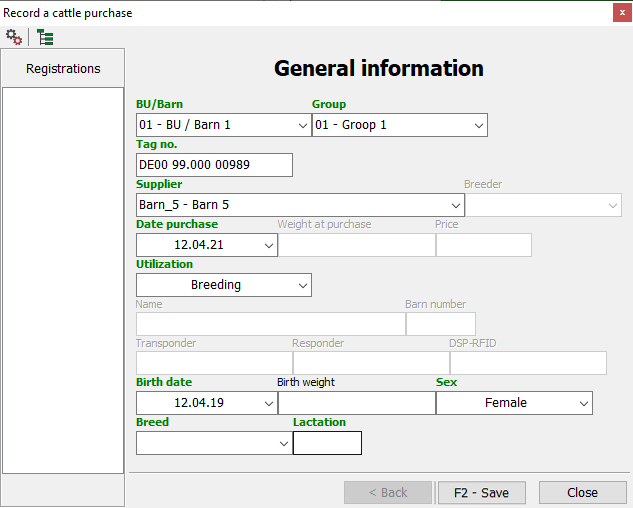
- Click to apply the animal Save

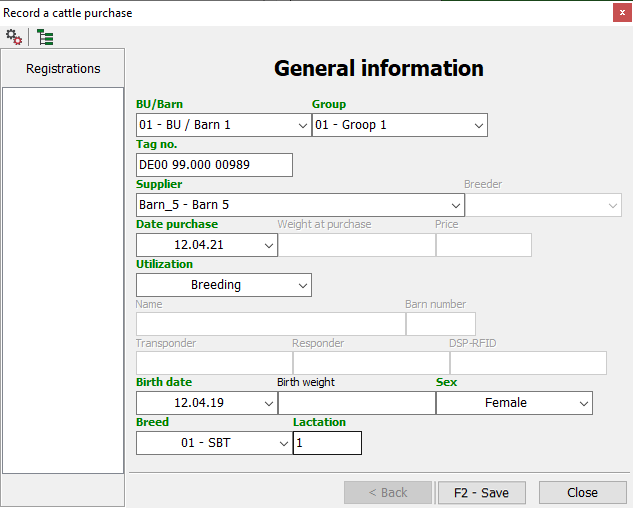
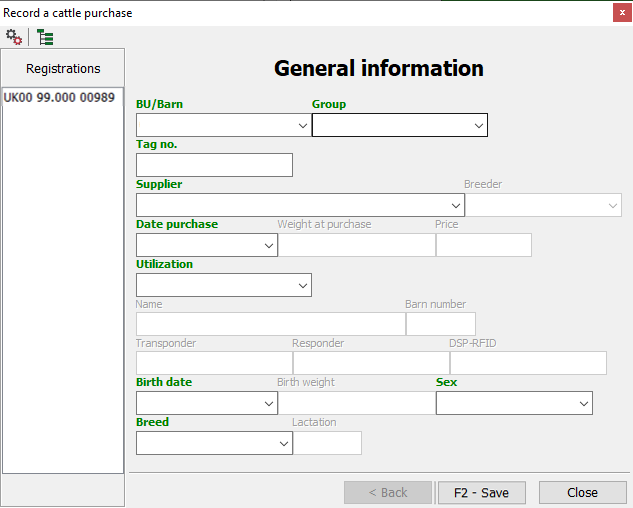
- Click Nextto register another access and continue typing
- Repeat steps 4 to 11
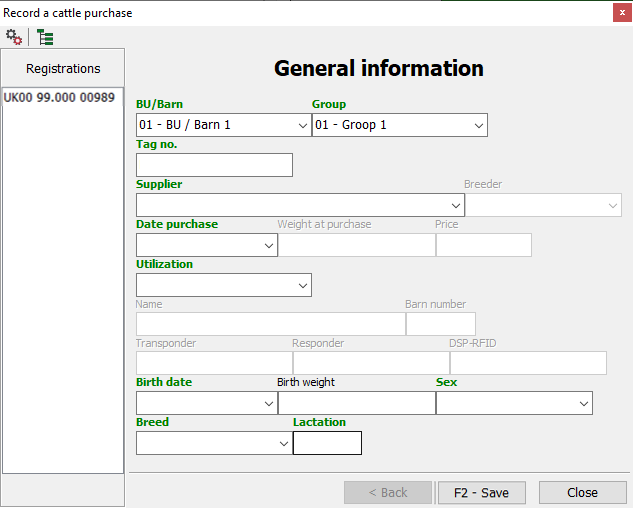
- Generally valid entries are already shown when registering another animal
- To stop the capture and exit the window, click close
 | Enter animal (active only if there are animal accesses from mobile)
 | Delete animal (only active if available from mobile animal access)
 | Settings
- Farm | Create data for your own farm f.e. BU or groups
- Operating bull | Bulls create
- Recipients | Create a company of origin
 | Set display
- Access weight
- Access price
- Name
- Barn number
- Animal ID
- Birth
- last insemination
- Insemination number
- Insemination portion
- Insemination bull
- PT Date
- Embryo
- Father
- Father/Father
- Father/Mother
- Father/Father/Father
- Father/Father/Mother
- Father/Mother/Father
- Father/Mother/Mother
- Mother
- Mother/Father
- Mother/Mother
- Mother/Father/Father
- Mother/Father/Mother
- Mother/Mother/Father
- Mother/Mother/Mother