
Purchase calves
This post is also available on:

- Open
 Capture animal >
  Movement >
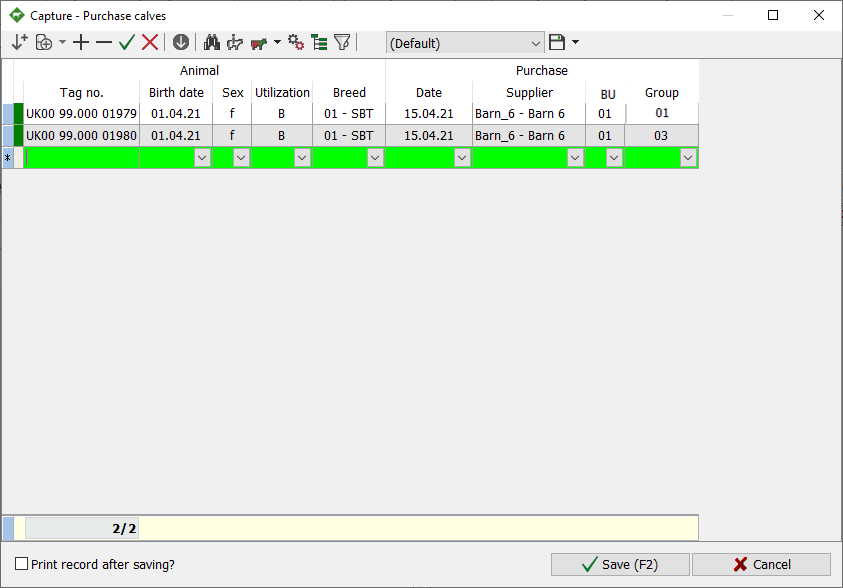
  Purchase calves
- Filling in the mandatory fields (green background)
- After selection/enter, jump to the next field with

- enter the animal number (10-digit), continue with or

- in the case of animals from abroad complete live ear mark (LET)
- when using a barcode scanner, scan the barcode of the ear tag
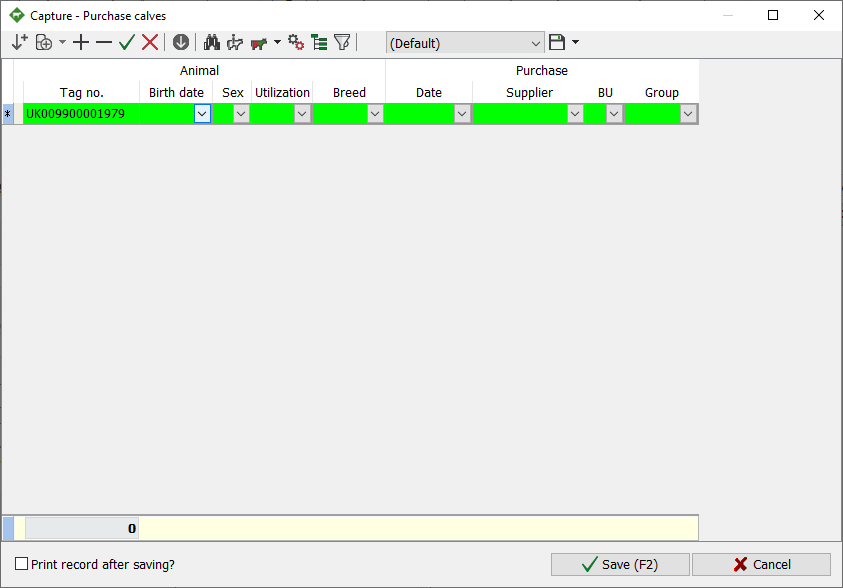
- Enter or select date of birth
- when using a barcode scanner, scan the barcode of the date of birth
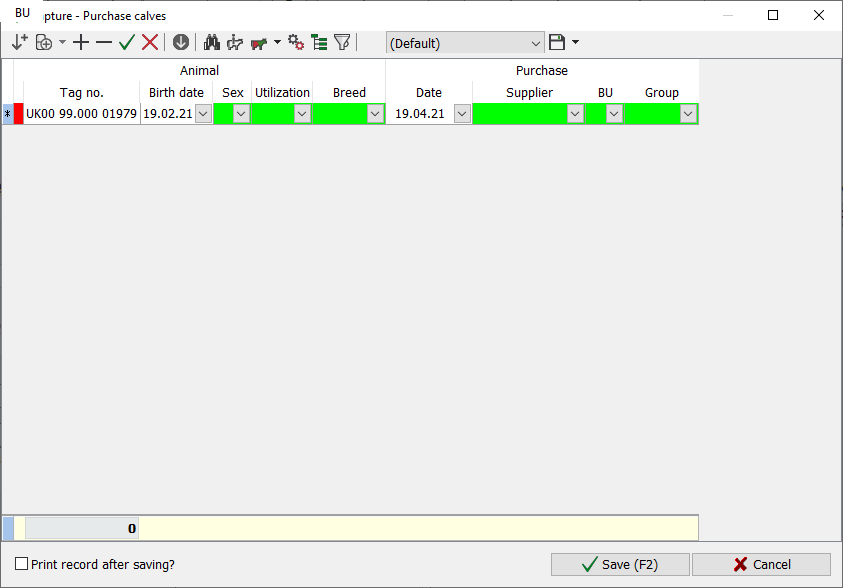
- Enter or select sex
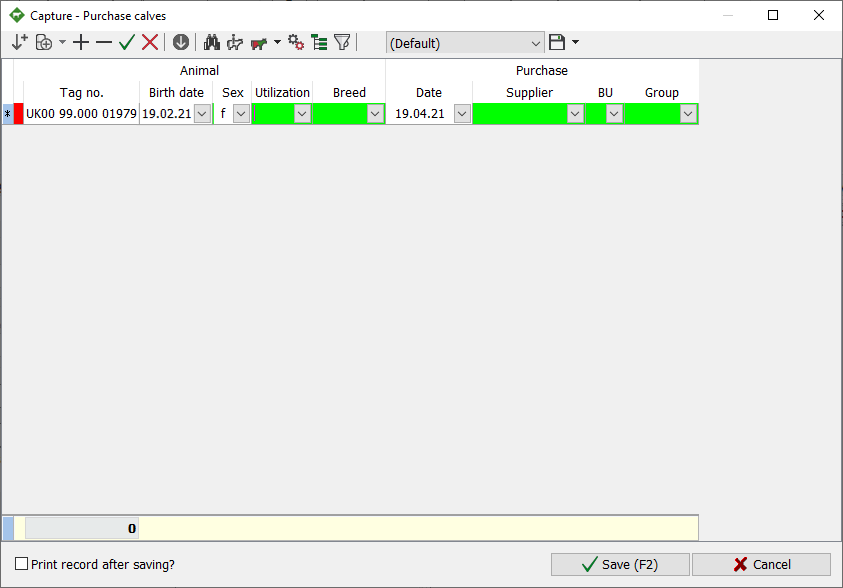
- Enter or select how to use
- Breeding or fattening
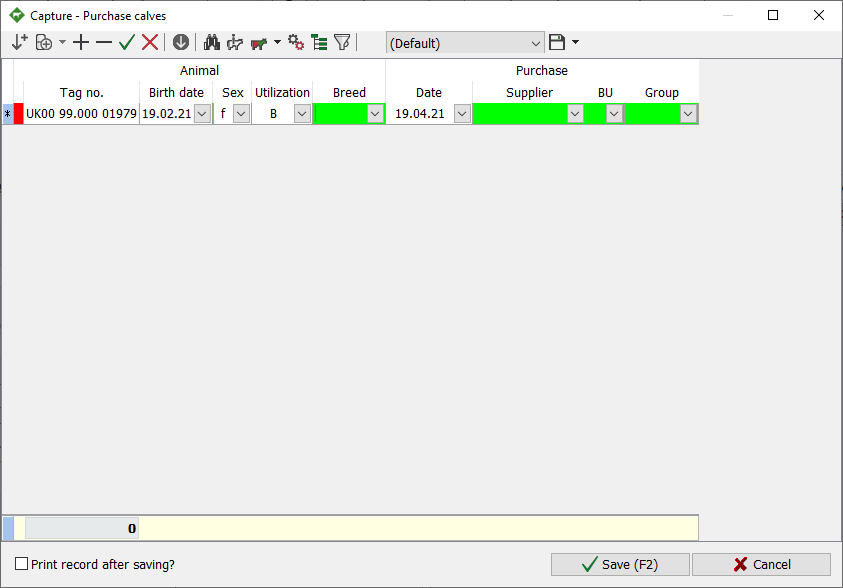
- Enter race (for example “01 SBT”) or select
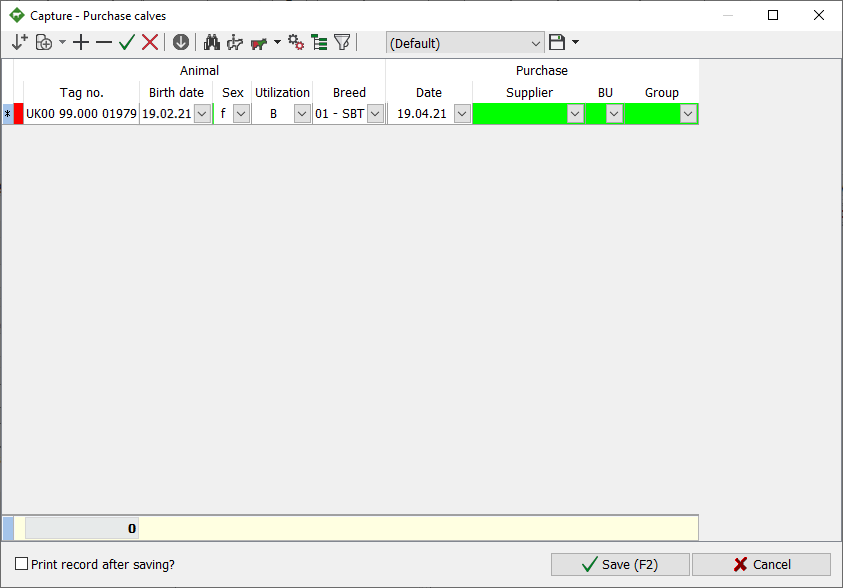
- Enter or select the receipt date, the current date is already displayed
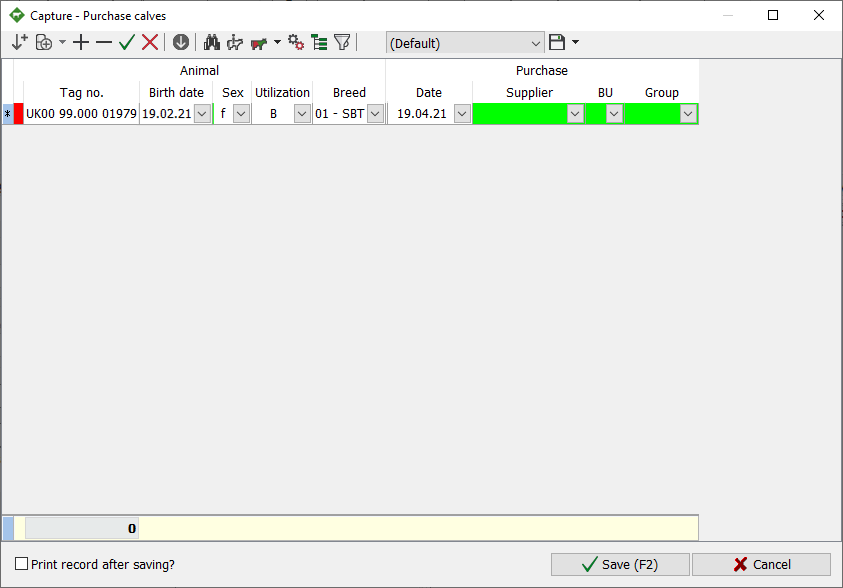
- Enter or select the supplier
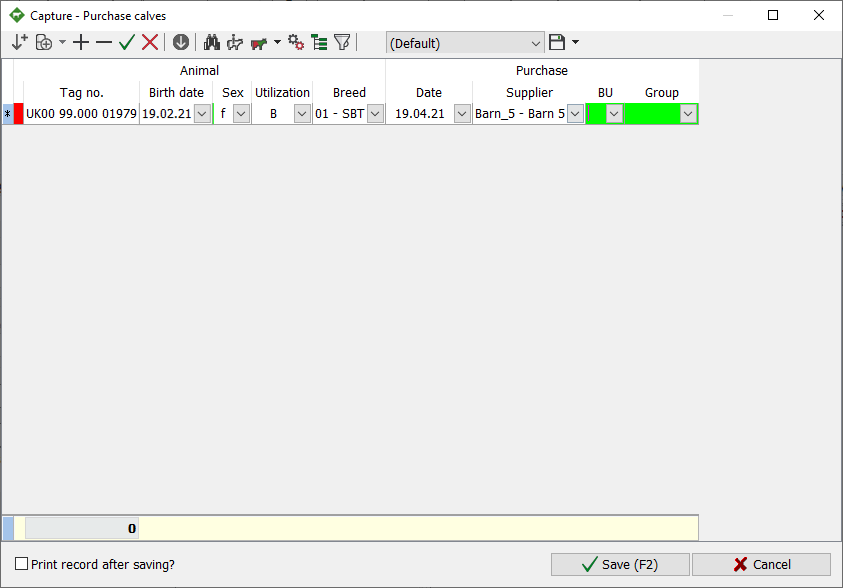
- Enter or select permanent establishment (f.e. BU 01)
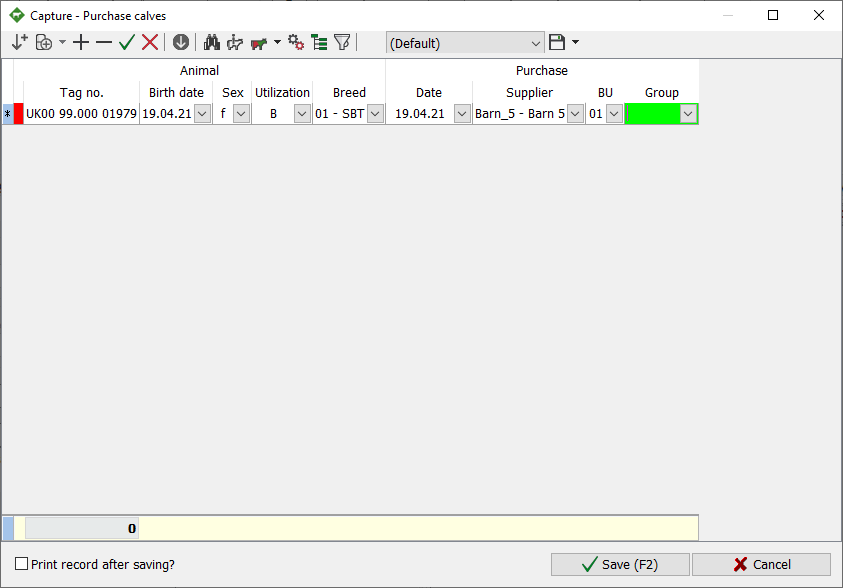
- Enter or select a new site group (for example, “01”)
- after filling in the last field, a new record opens
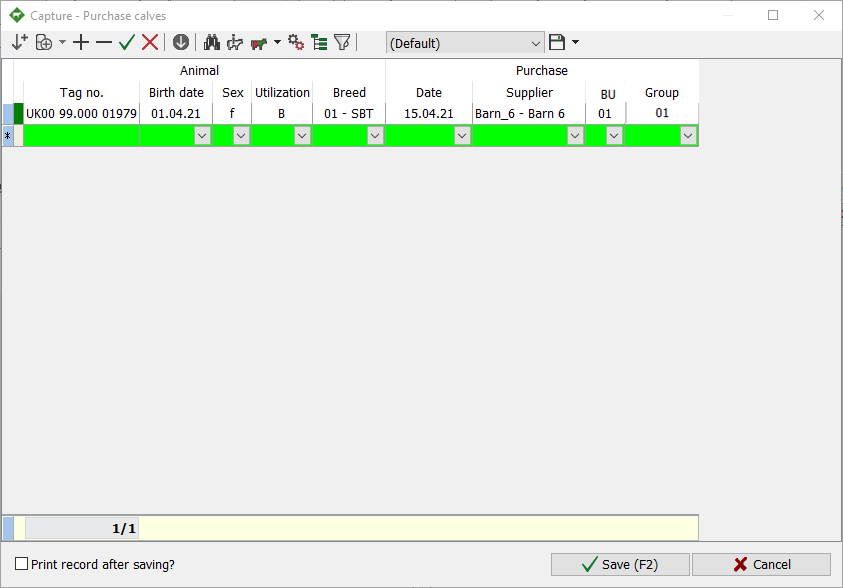
- To register another animal, repeat steps 2 to 10
- with entering a new animal number all information is taken from the previous animal, only the date of birth has to be adjusted
- when using a barcode scanner, scan the barcode of the ear tag
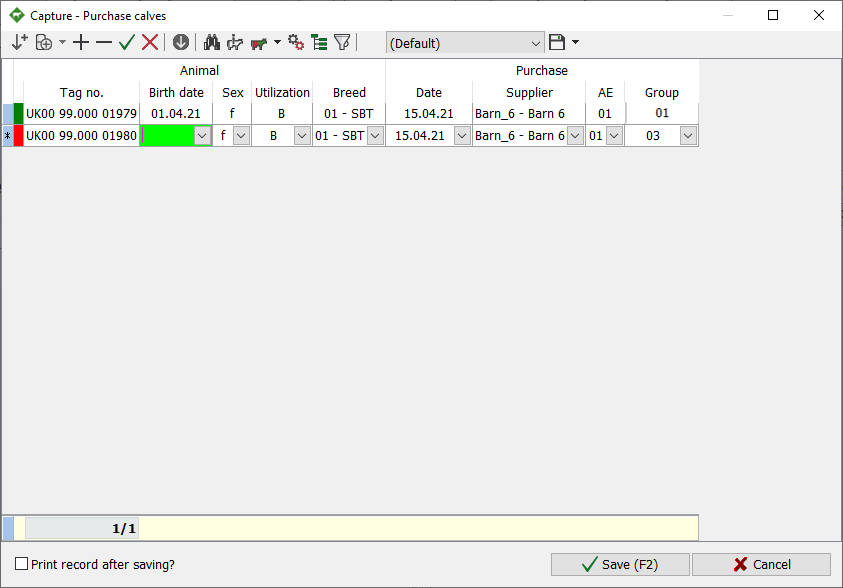
- Enter the date of birth of the animal
- when using a barcode scanner, scan the barcode of the date of birth
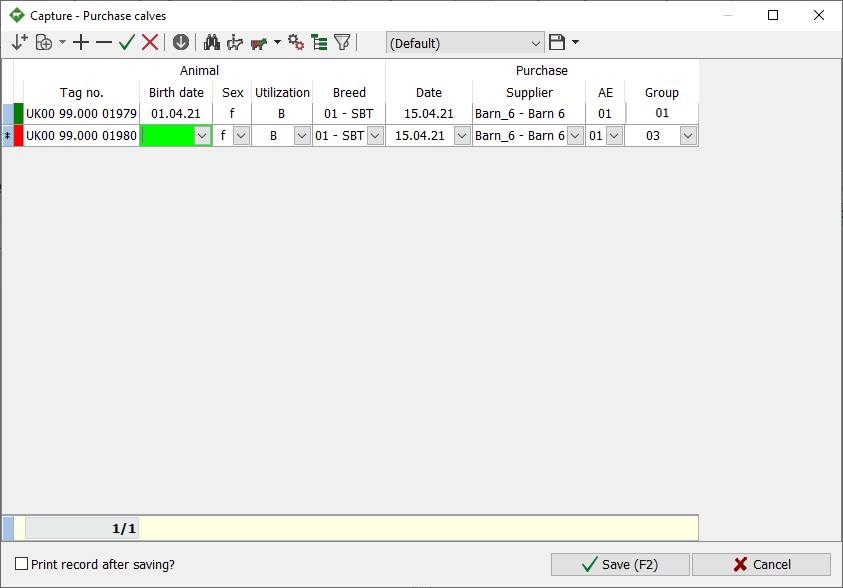
- To take over the animal
 or
or  click
click
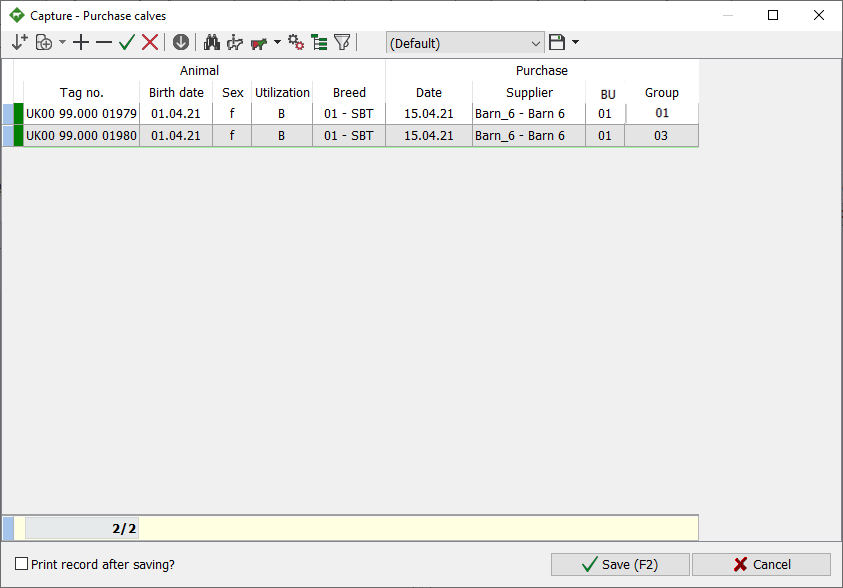
- To capture another animal, enter LET or to stop the capture click Save

 | Capture the animal again – inactive
| Add line
 | Delete line
 | Confirm
 | Cancel
  | only with active line that is not yet plausible
 | copy entry of all remaining animals
 | Search for animal
 | Info animal
 | Context menu capture
- Movement
- Fertility
- Further (…)
- Technology
- Add to the working list
 | Settings
- User-defined characteristics
- New group
- Animal identifcation
- Edit print list
 | Set display | Columns can be added individually, sequence can be changed with drag’n’drop, then save, possibly under a separate (new) name
 | Filters | all animals are listed, if you remove the check mark in front of the animal, it is still displayed, by clicking on
  the filter becomes active, animals without check marks are hidden
 | Name of the current display (displayed columns and their order), as many ads can be saved as you like
 | Save display under current name / Save display as / Delete display