
Dry – Worklist Toolbar
This post is also available on:

- Open
 working lists >
  Dry
Dry
- Make the settings and click Start
- print out the list and come back with the results.
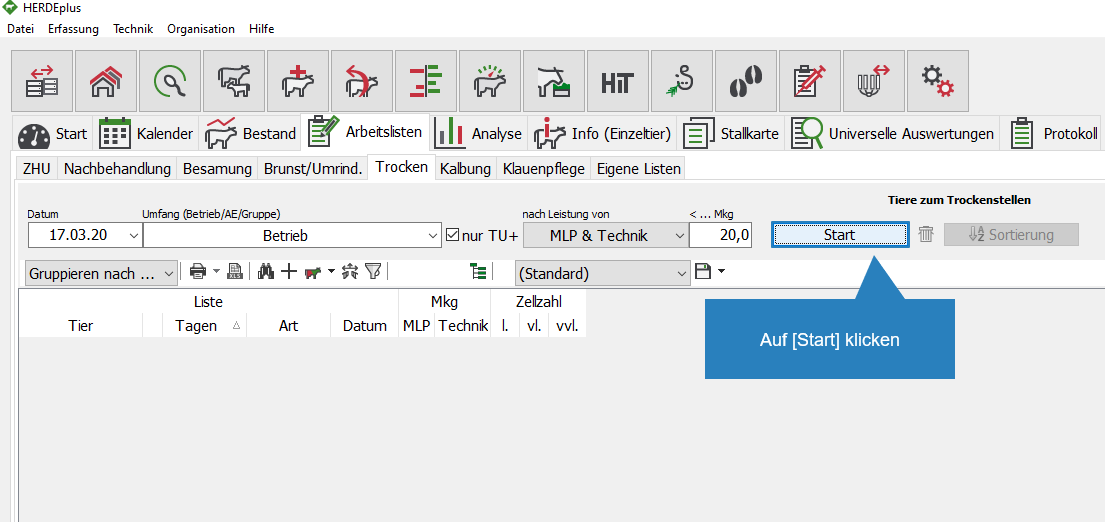
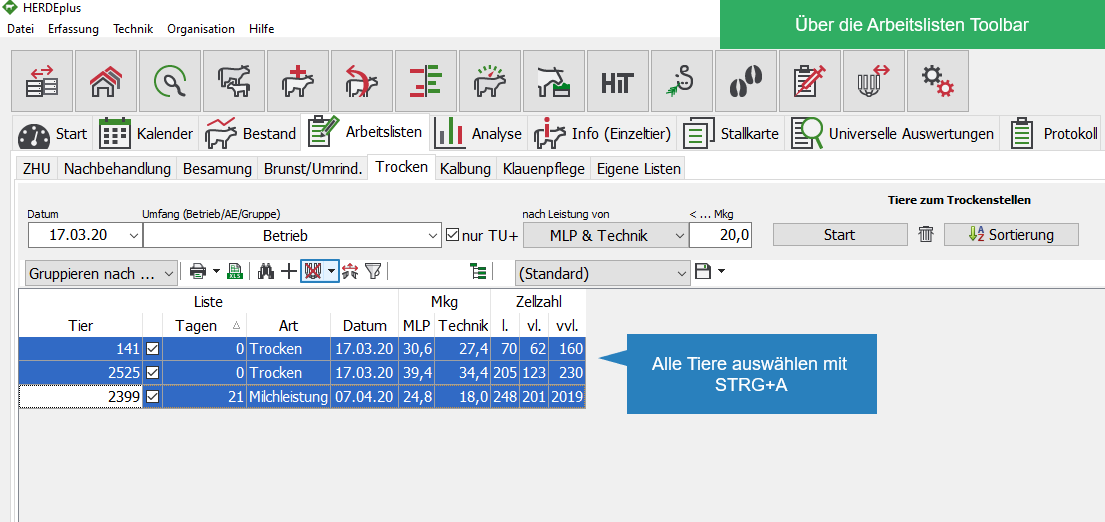
- In the Dry work list press (select everything) at the same time
STRG+Aor mark the animals to be dryed
- Click on the icon
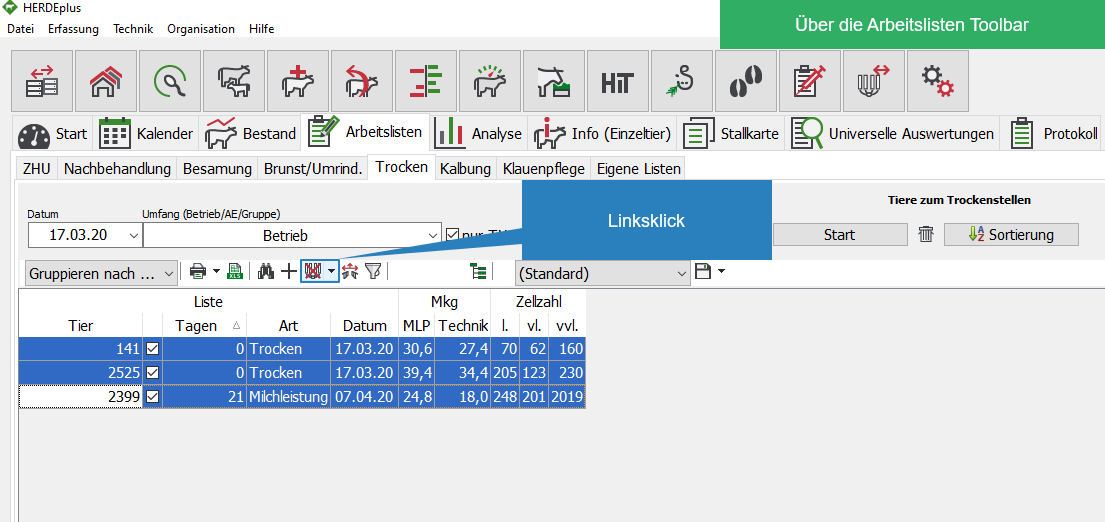
- All animals are transferred to the capture mask

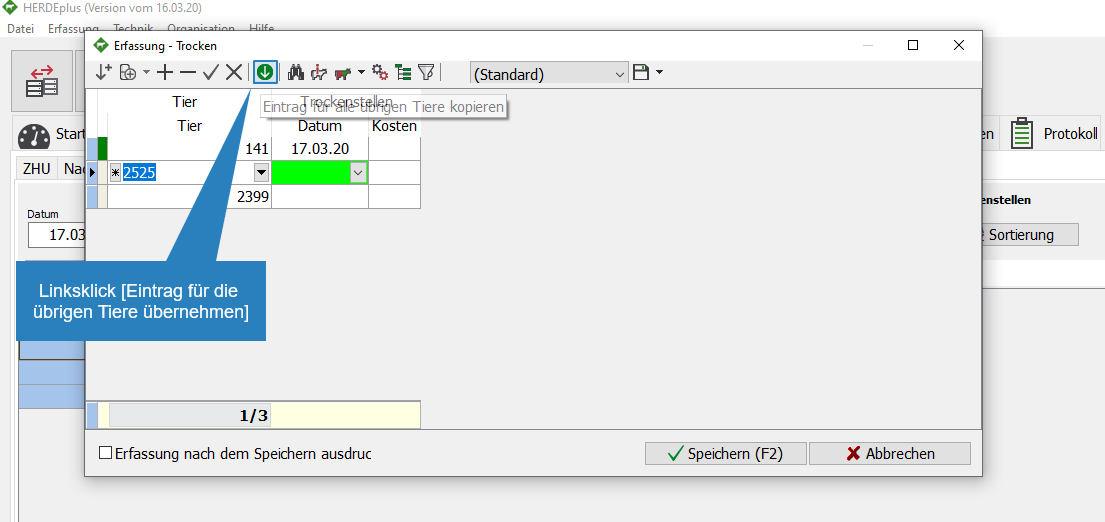
- Enter the data correctly for the first animal
- If the same action is to be performed on all animals, click
 to accept the entries for the remaining animals
 - the entries can then be added or changed in the case of the animals.
- If the same action is to be performed on all animals, click
- Click Save
 the capture
