
Easi-Scan:Go
This post is also available on:

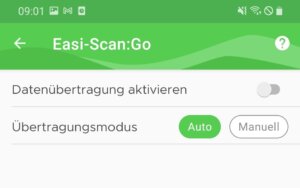
Before the first connection, the data transfer should be inactive.
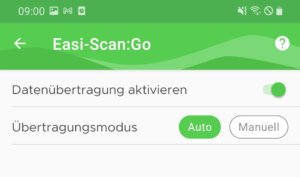
Enable data transfer. The Default transfer mode should be set to Automatic.
The app now tries to connect to the ultrasonic scanner Easi-Scan:Go . If the HERDEmobil app has never been connected to the scanner’s Wi-Fi, the following message is displayed:
Wrong wifi. Please connect to the WLAN of the Easi-Scan:Go.
To do this, open the WLAN settings on your Android smartphone and select the WLAN that starts with EASISCAN.

Since scanner and the HERDEmobil app cannot establish an Internet connection, the question is displayed whether you still want to be connected to the WLAN. This is always confirmed with YES .
Return to the HERDEmobil app and open the Capture animal BHE, from now on relevant animal data will be transferred to the scanner and displayed.