
Sign
This post is also available on:

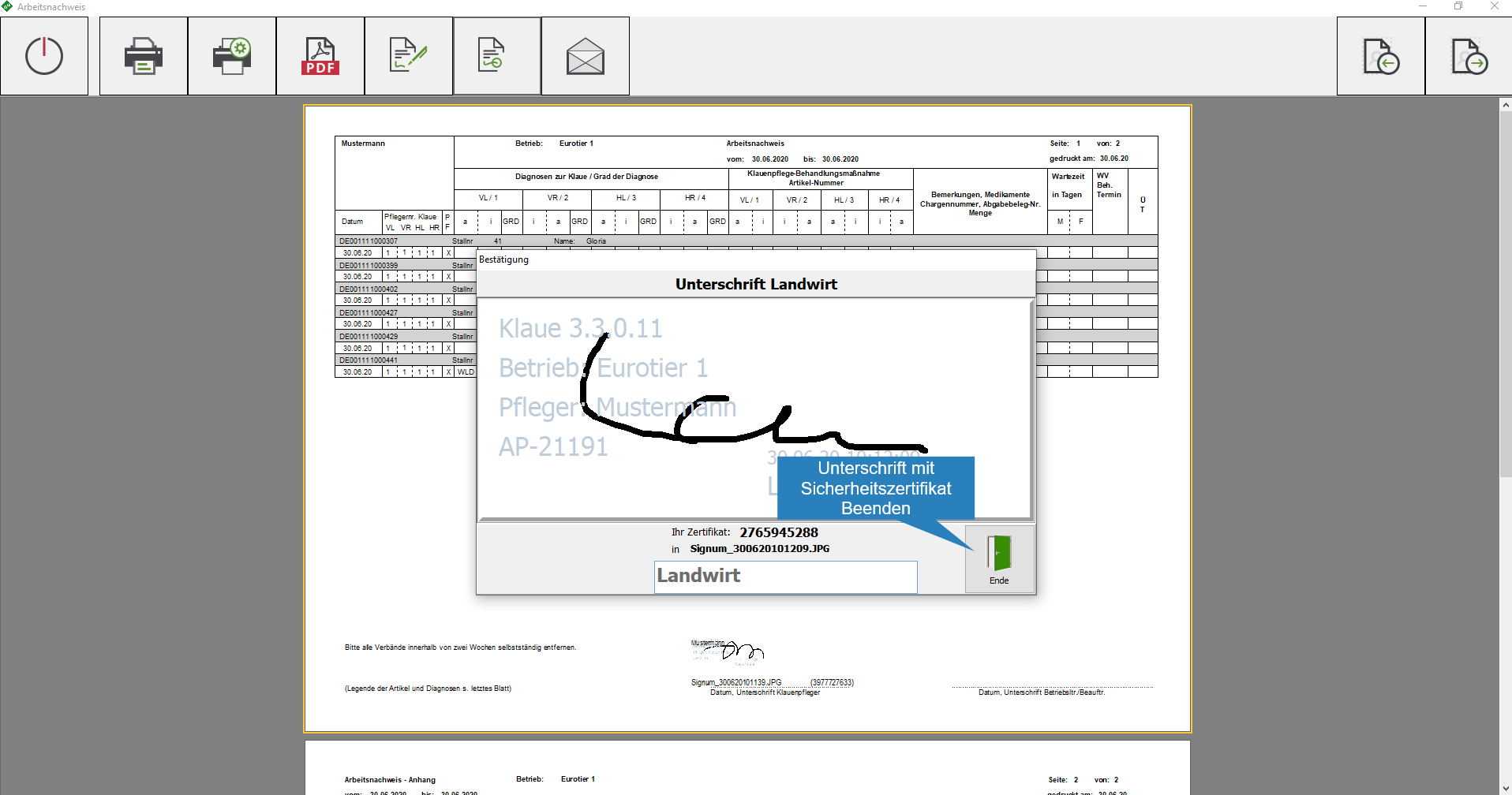
The proof of work can be signed directly on the device by the service provider and the farmer . The program generates a security certificate so that no manipulation is possible.
- Can be signed directly by the
 hoof trimmer
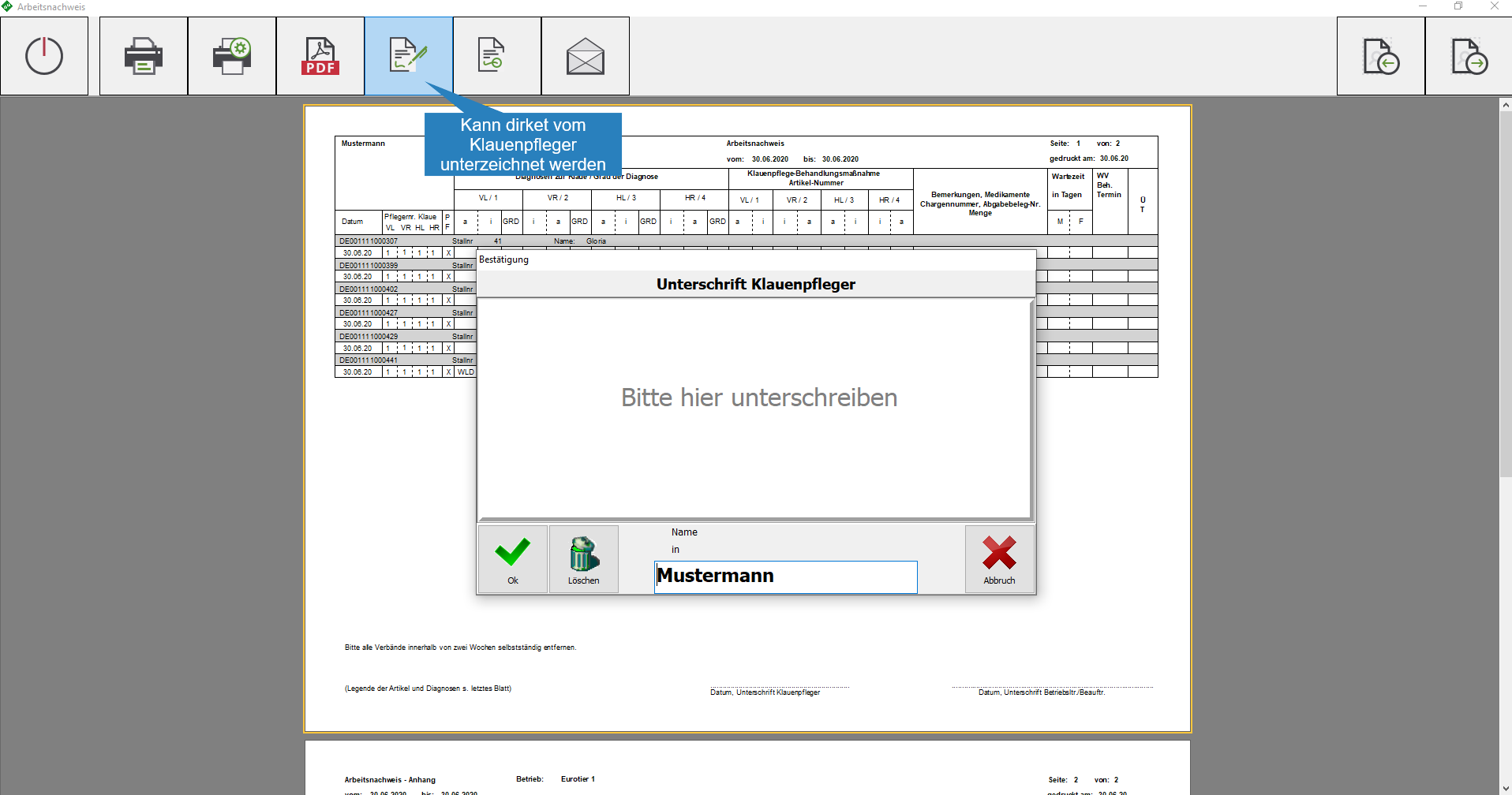
- The hoof trimmer name is given, sign, OK with

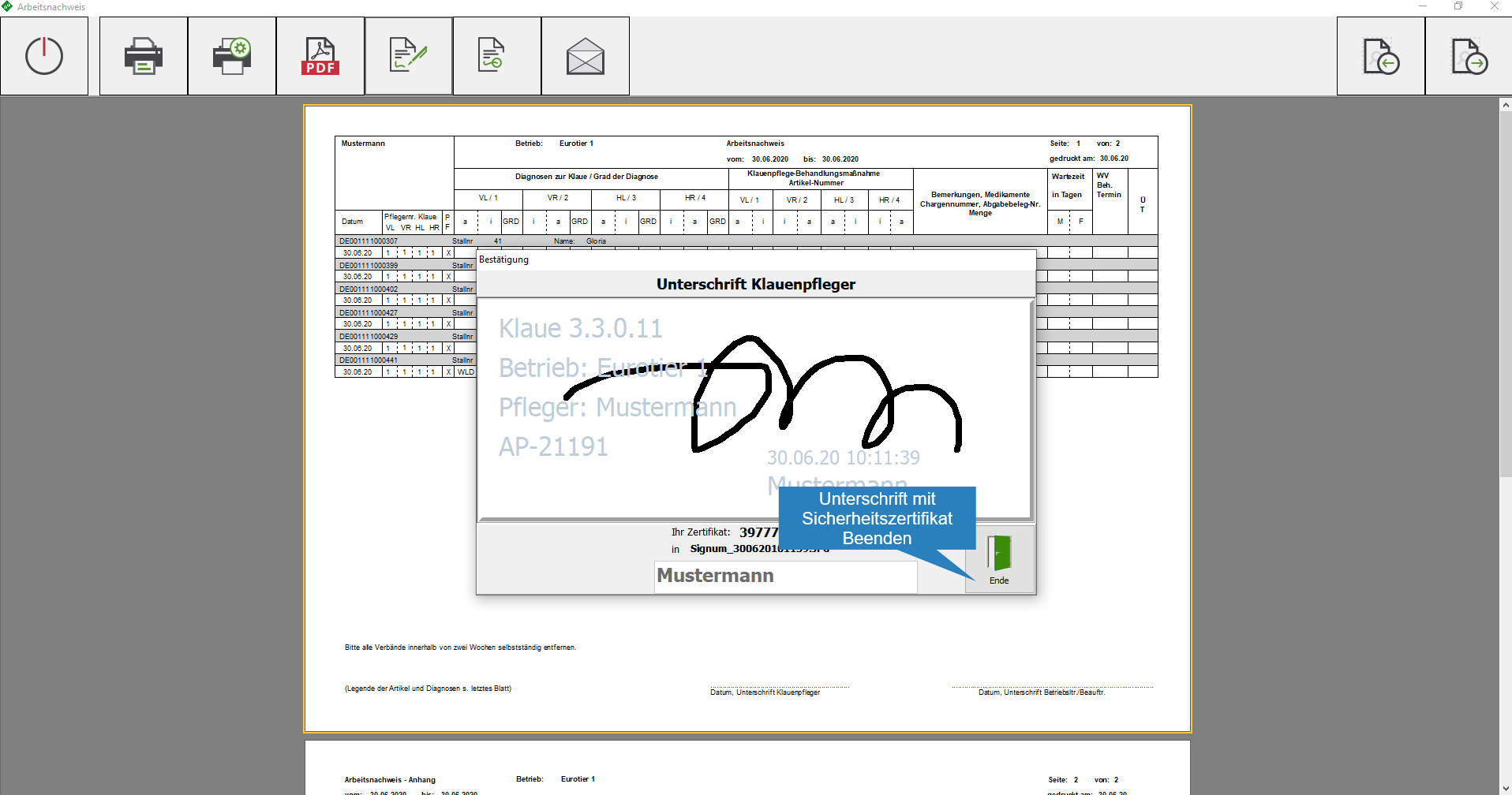
- Security certificate is generated
- Click End
- Optional: Signature from the
 farmer
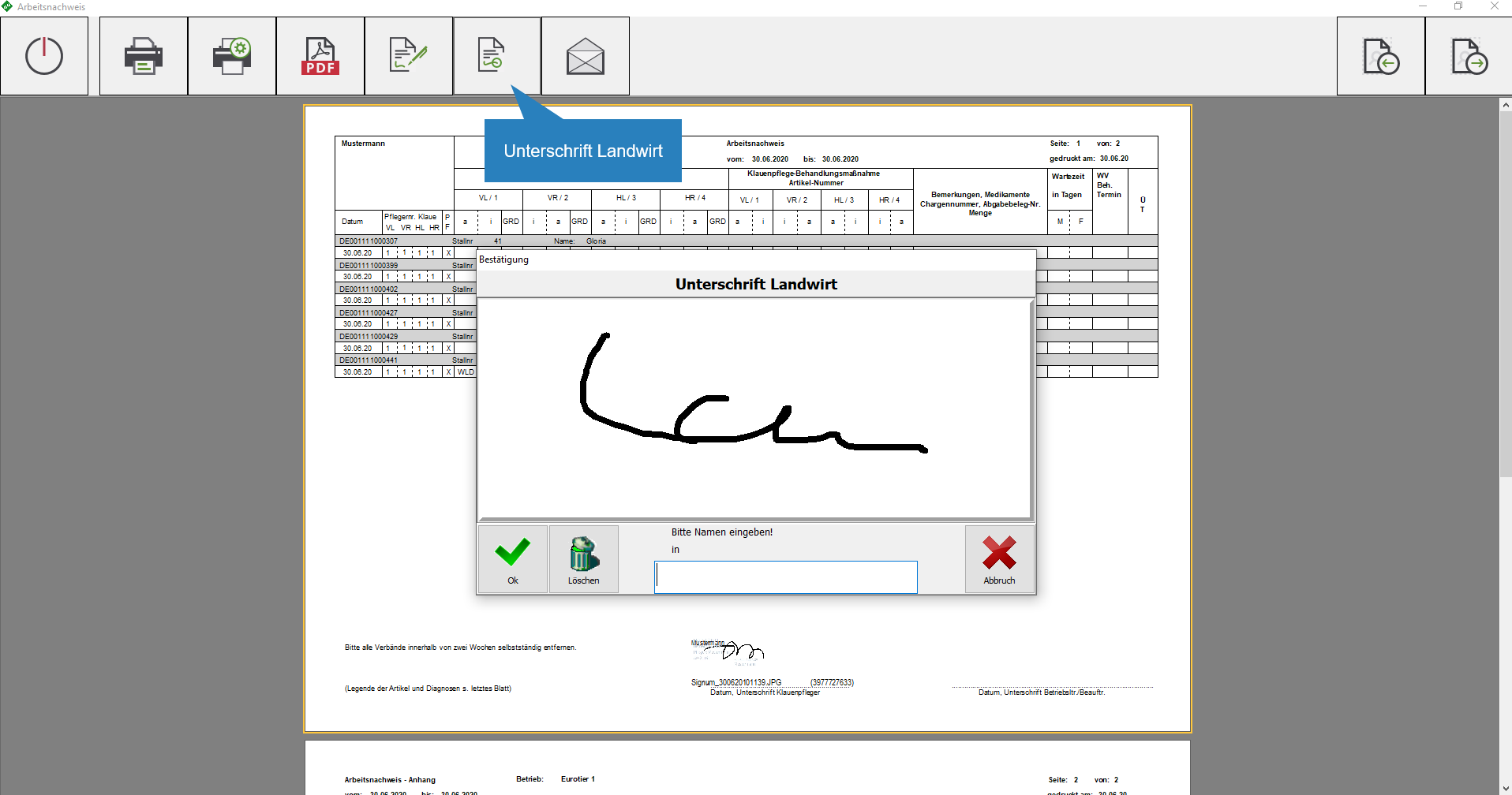
- Enter the name of the customer
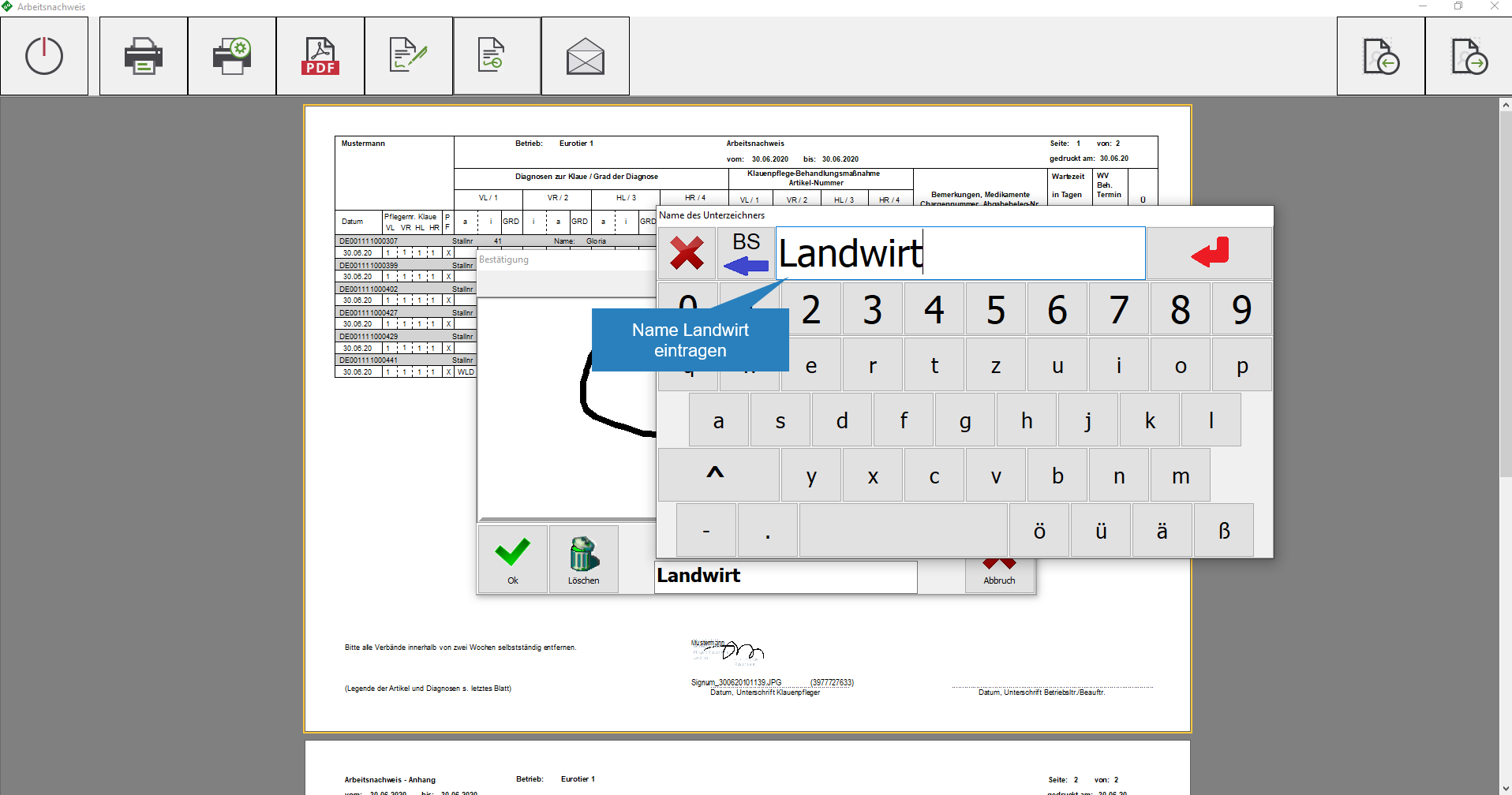
- Sign, security certificate is generated, click end
- Printing or sending e-mails can now be done
 | Close view
 | Print
 | Print settings
 | PDF – Export
| Signature hoof trimmer
| Farmer’s signature
 | Send e-mail
| Confirm
 | Cancel
 | Delete
 | next page
 | previous page