
Search
This post is also available on:

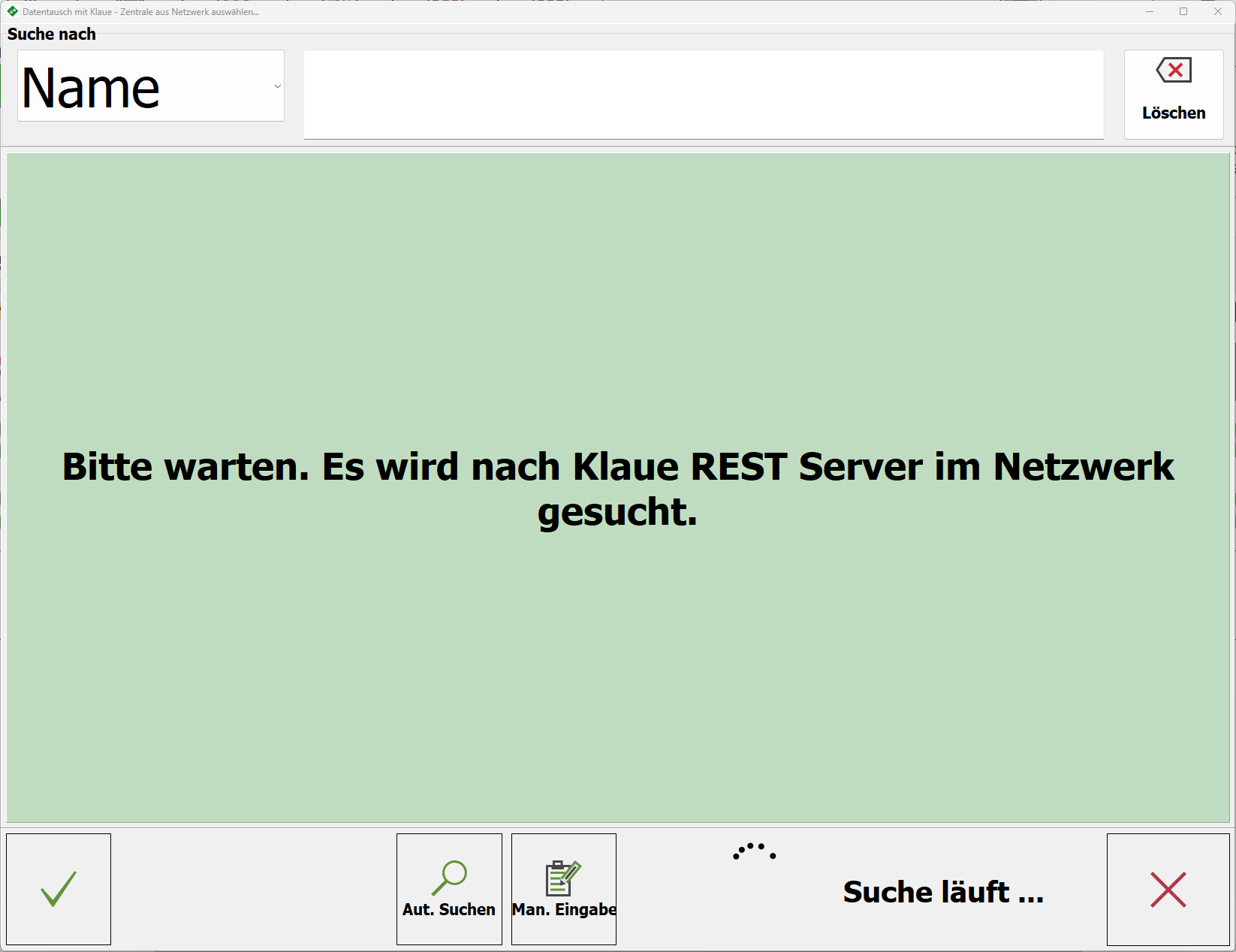
- Select Klaue Zentrale
When the programme function is called up, the Klaue application searches for the Klaue control centre in the local network.
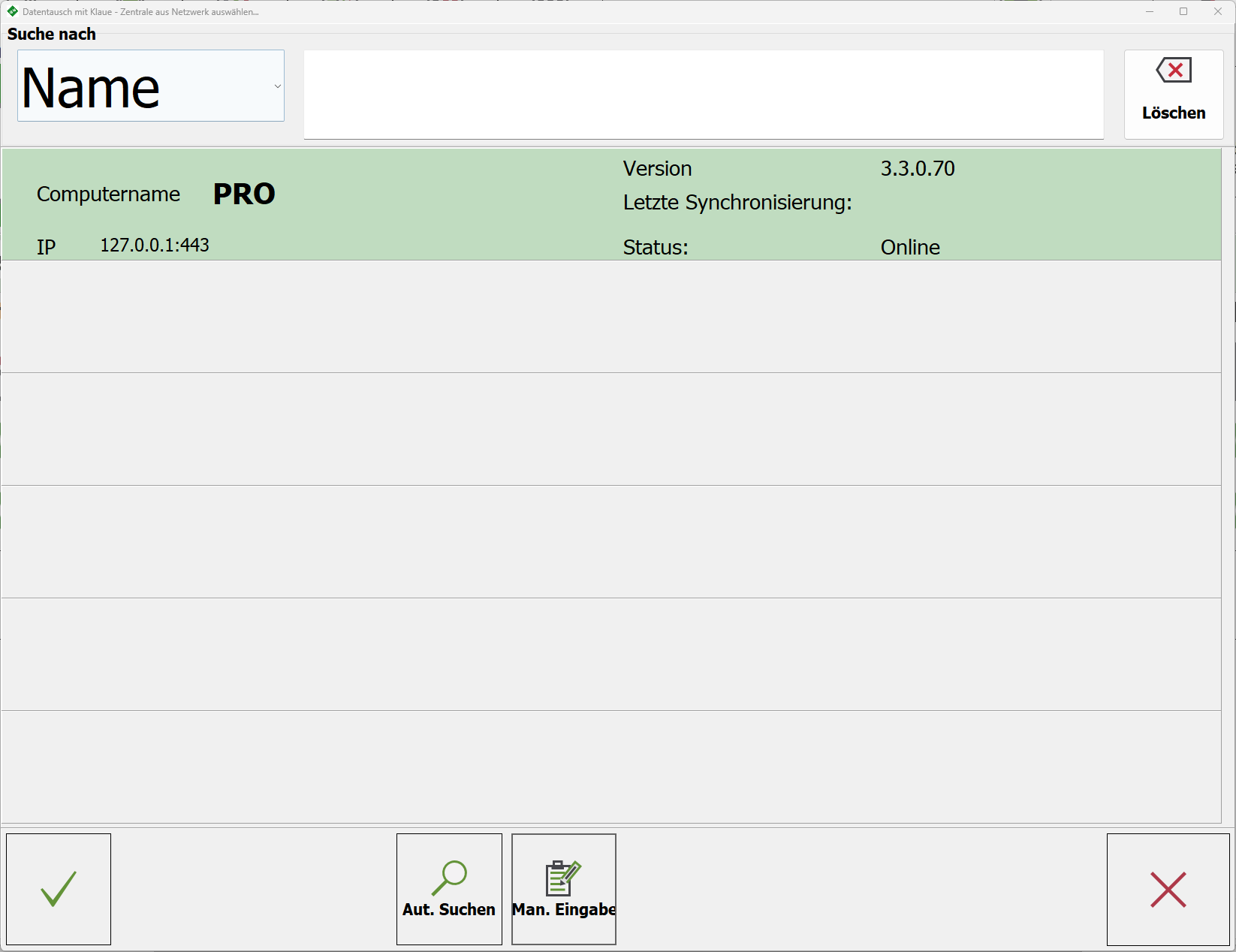
If this is found, take over with .
.
If the Klaue control center is only accessible via the Internet, tap on  Man. and enter the dynamic web address.
Alternatively, a separately installed VPN programme can be used to set access via the IP address only. Contact your administrator for this.
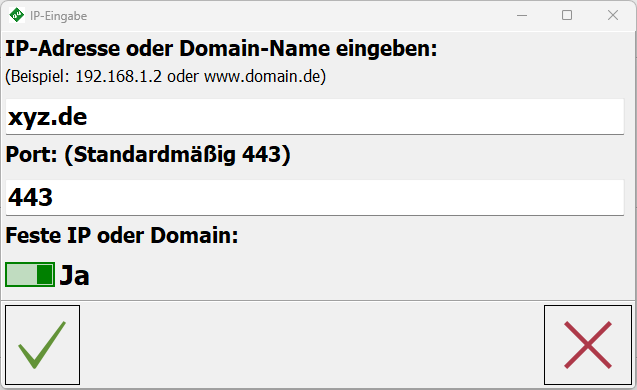
Enter IP address or domain name | IP in LAN or dynamic web address
Port | the port release of the server is to be used, contact your administrator
Fixed IP or domain | if YES then the entry is saved
- Log in to KLAUE Zentrale

User name | User that was created in the KLAUE Zentrale
Password | associated password
Save login data | if YES then, will be saved
- Confirmation of successful registration

Accept
 automatic search
Man. Enter
 Close
Close