
e-Mail/FTP
This post is also available on:

Here you can configure the sending of e-mails from Klaue, the transfer via FTP or the transfer of photos via FTP
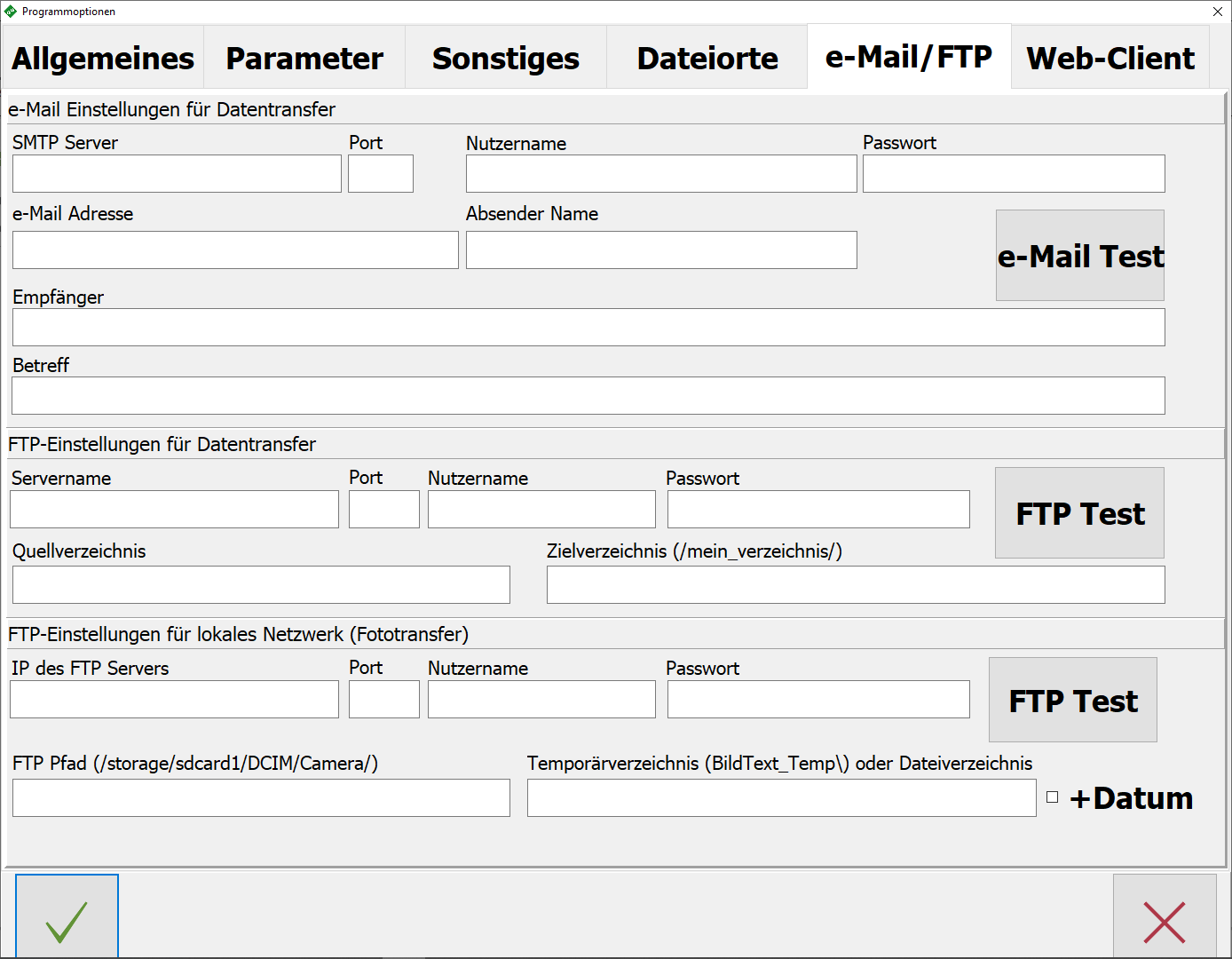
e-mail settings for data transfer
- SMTP-Server
- Port | Entering the provider’s values
- Username | personal access data
- Password | personal access data
- e-Mail adress
- Sender Name
- Recipients | Recipients to test the e-mail function
- Subject
- Click to test
- If successful , the OK message must appear
FTP settings for data transfer
- Server Name | Enter the public IP or alias
- Port | Port of the provider or your own router
- Password |
- Source Directory | Local source directory
- Target Directory | Specifying the destination directory on the FTP server