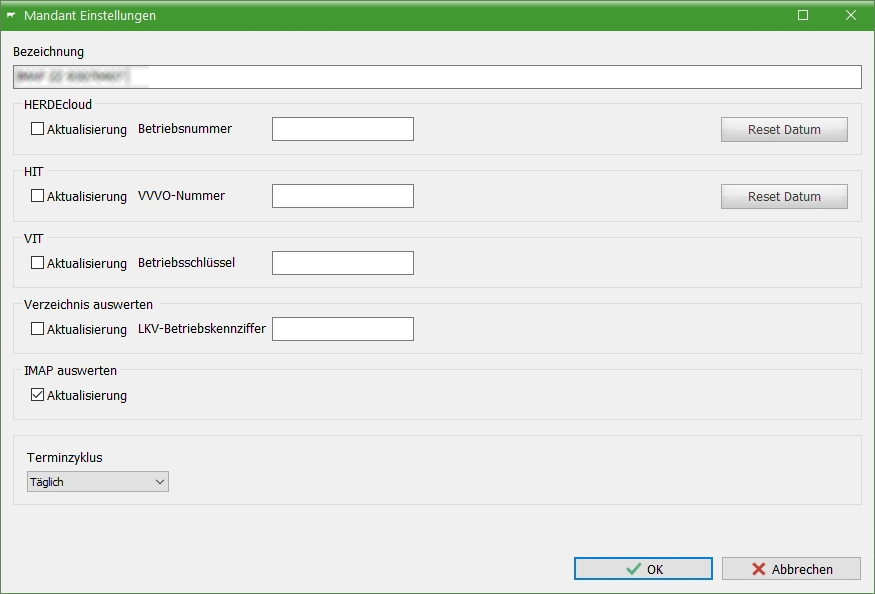
Create tenant from IMAP
This post is also available on:

- If the online client, IMAP, is created, click on the corresponding selection
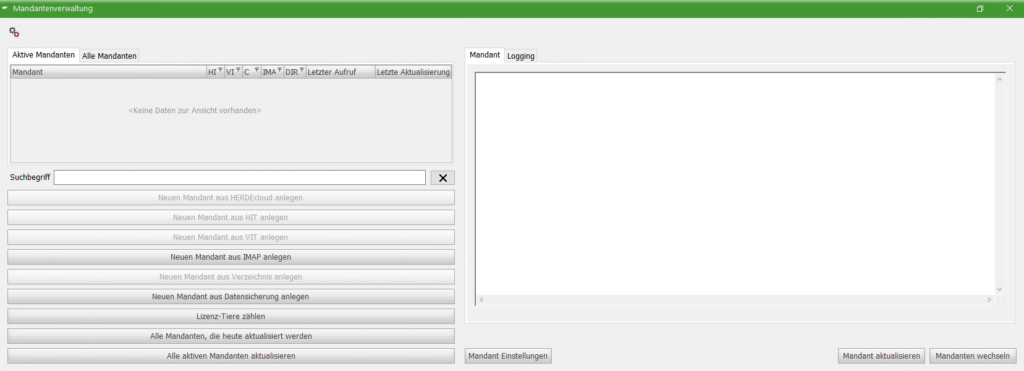
- The e-mail will appear for selection, which has not yet been assigned to existing clients.
- The check is carried out on the farm key
- One entry is displayed per e-mail
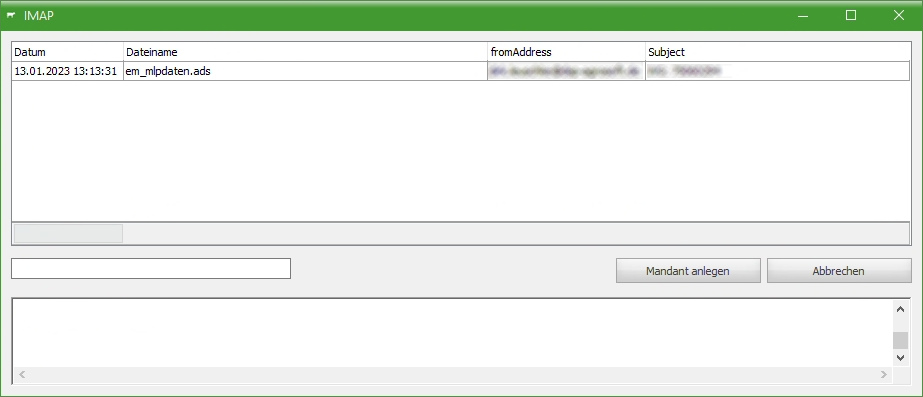
- Click on Create tenant
- When designating, the farm should be given its own name
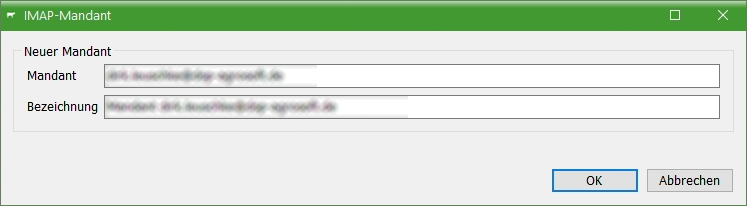
- Depending on the scope of the data, it takes some time to create it.
- In the tenant administration, this farm appears as an active tenant
- Last call | when you were last active in these tenant
- Last Update | From which date data was last transferred via the online client
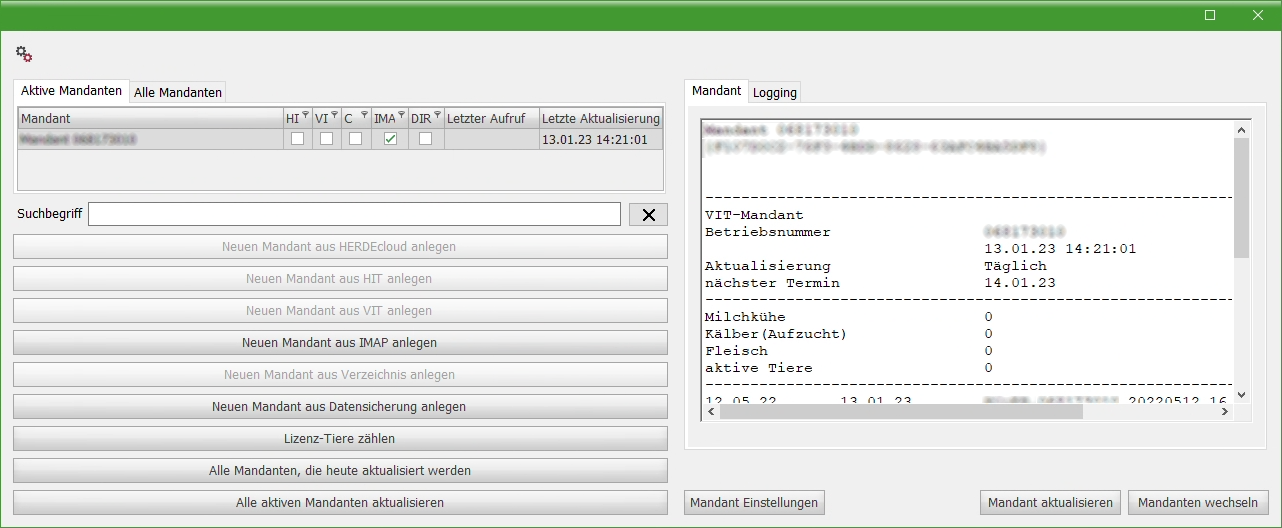
- Click on Tenant Settings and set the update interval for Appointment cycle
- Daily
- Weekly
- Monthly on …
- Monthly on … Weekday
- on the… every week